On this page
An online store gets the same questions as a physical shop — Do you have this in blue? Will it arrive by Friday? Can I return it? — but there’s no one standing by the shelf to answer. An AI chatbot for ecommerce fills that gap, around the clock.
The key word is ecommerce. A generic chatbot that only answers from text isn’t enough for a store. It needs to know your products and your orders.
What an ecommerce AI chatbot should do
1. Find products the way shoppers describe them
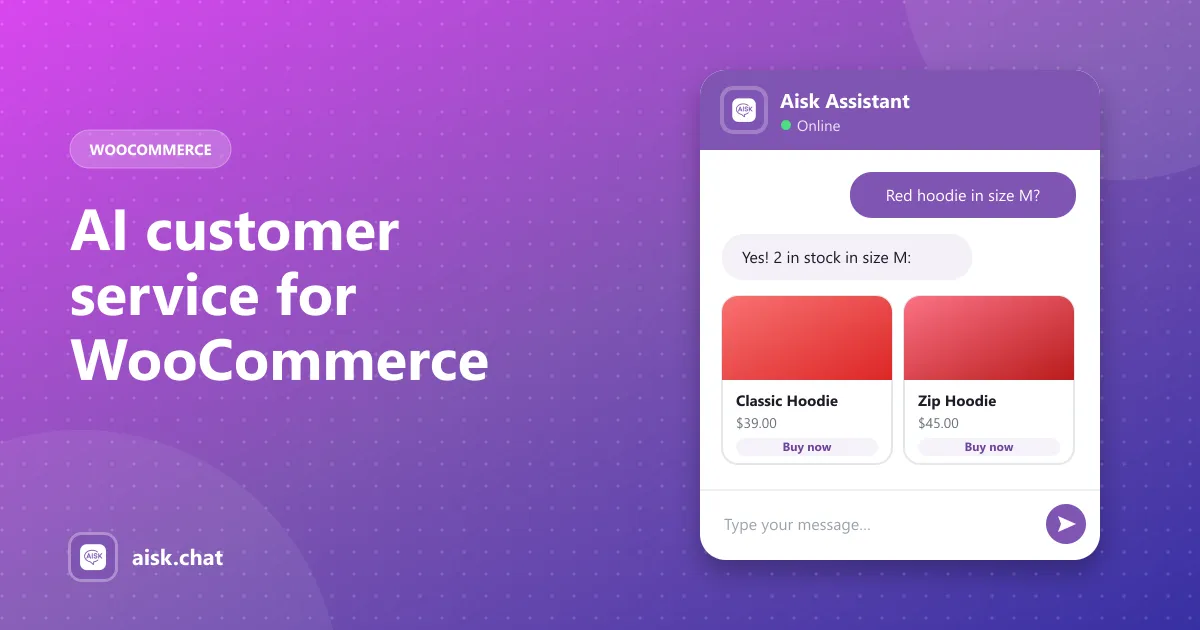
Shoppers don’t type your product titles. They type “something warm for hiking, not too bulky.” An ecommerce chatbot should search by description, color, size and category and return product cards with images, prices and buy links. (How AI product search works)
2. Answer from your store, not the internet
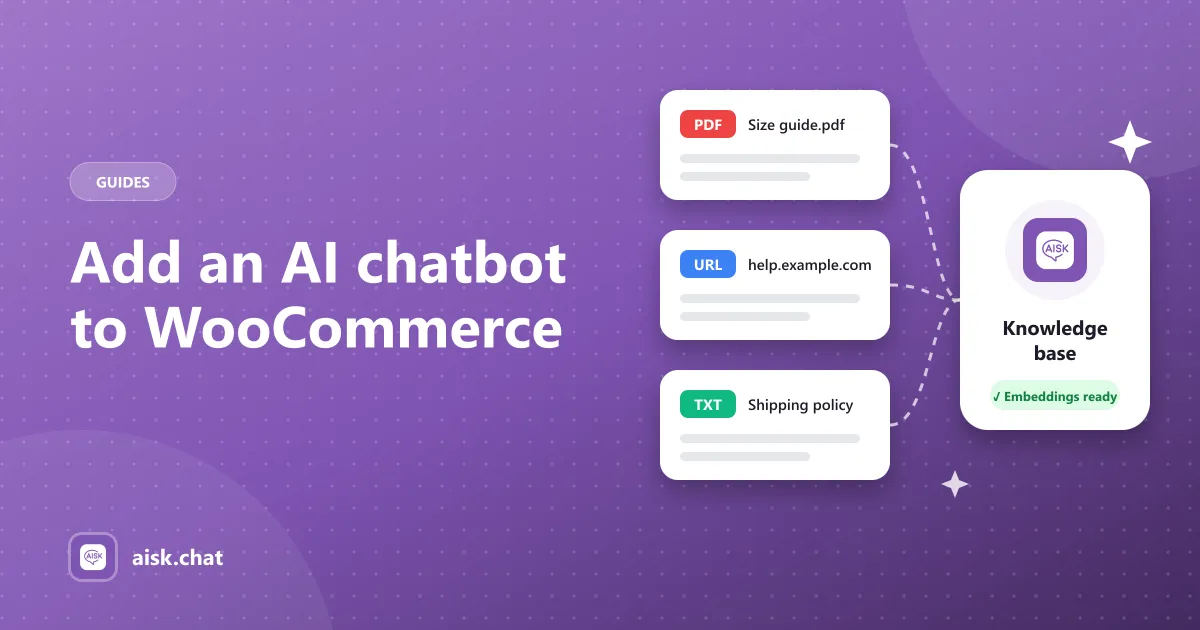
Shipping zones, return windows and size charts are specific to you. The chatbot should be trained on your pages, product descriptions, FAQs and policies — plus PDFs and custom text for anything not on your site. (Training guide)
3. Track orders
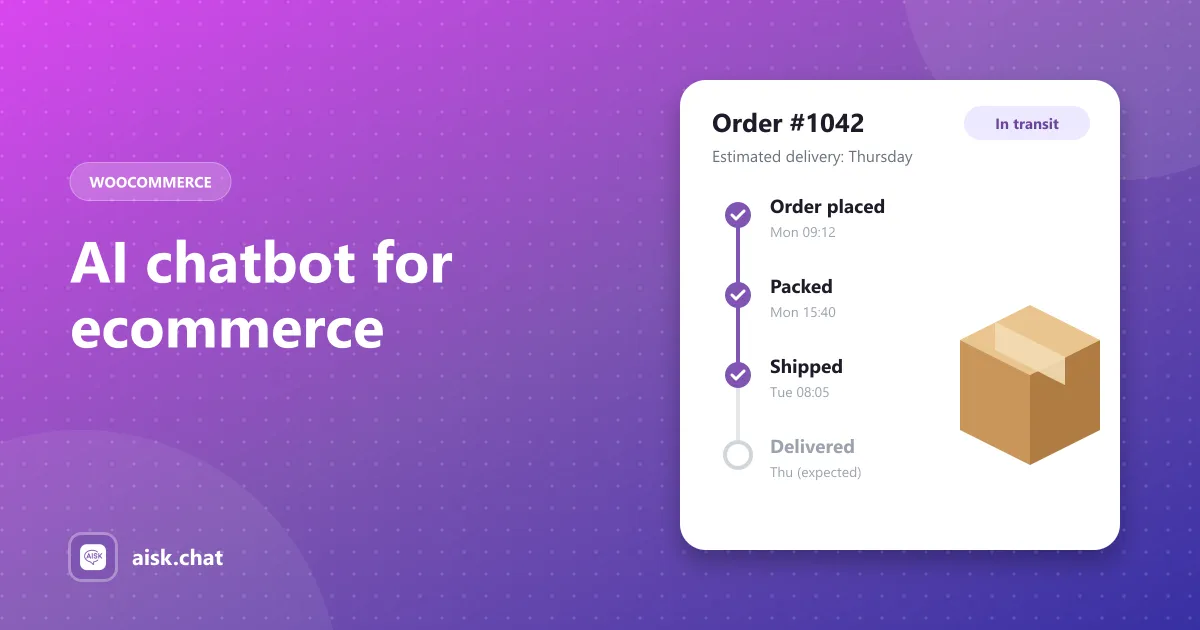
“Where is my order?” is the most common question in ecommerce support. The chatbot should look up status, shipping and tracking when the customer gives their order number and email. (Order tracking)
4. Hand off to a human
When it doesn’t know, it should say so — and show your support details or open a ticket — instead of guessing.
5. Work where customers message you
Many shoppers prefer WhatsApp or Telegram to a website widget. One assistant across every channel keeps answers consistent. (WhatsApp & Telegram)
6. Speak the customer’s language
International shoppers should get answers in the language they write in, with the right currency.
Platform plugin vs hosted SaaS
There are two ways to add an AI chatbot to an online store:
| Plugin on your store (e.g. Aisk for WooCommerce) | Hosted SaaS chatbot | |
|---|---|---|
| Product & order data | Read directly from your store | Through an integration or sync |
| Pricing | Free plugin + your own AI usage | Monthly plan, often with message limits |
| Setup | Install from the WordPress admin | Embed a script, connect your store |
| Where data lives | Your WordPress site + the AI provider | The vendor’s platform |
If your store runs on WooCommerce, a native plugin is usually simpler and cheaper. Hosted tools make more sense when you sell across several platforms at once.
Setting up an AI ecommerce chatbot on WooCommerce
Aisk is a free WordPress plugin built for WooCommerce stores:
- Install Aisk from Plugins → Add New.
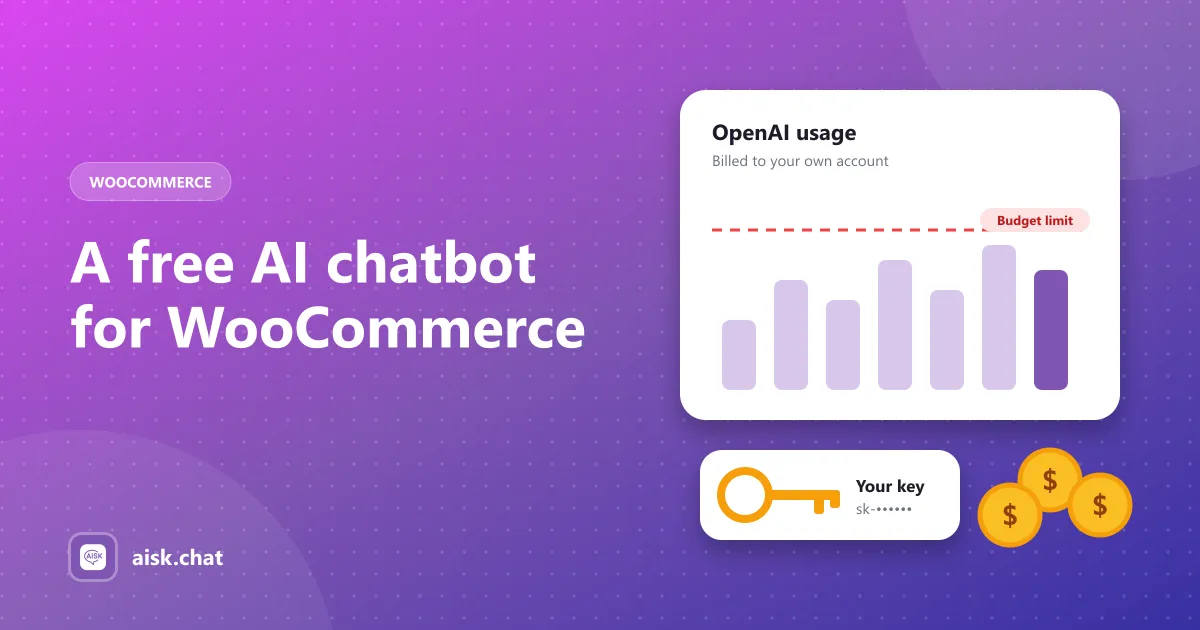
- Paste your OpenAI API key in Settings → Aisk (usage is billed by OpenAI — what it costs).
- Click Generate Embeddings to teach it your pages and products.
- Enable the WooCommerce integration for product search and order tracking.
- Test it with your five most common customer questions.
The full walkthrough is in how to add an AI chatbot to WooCommerce.
Measure it
Watch the analytics dashboard: which questions come up most, which products people ask about, and what the bot couldn’t answer. Each unanswered question is a product description or policy page to improve — which helps your store convert even without the chatbot.
Comparing tools? See the best AI chatbots for WooCommerce.
Frequently asked questions
What is an AI chatbot for ecommerce?
It is a chat assistant on an online store that uses AI to understand shoppers' questions and answers from the store's own products, policies and orders — helping customers find products, check order status and get support without waiting for a human.
How is an ecommerce chatbot different from a regular website chatbot?
A regular chatbot answers questions from text. An ecommerce chatbot also connects to the store: it searches the product catalog, shows product cards with prices and buy links, and looks up real order status.
Is there a free AI chatbot for ecommerce?
For WooCommerce stores, Aisk is free with every feature included and no message limits. You pay only for your own OpenAI API usage, directly to OpenAI.
Does an AI chatbot increase ecommerce sales?
It removes common reasons shoppers leave — not finding the right product, or an unanswered question about size, shipping or returns — by answering instantly while the shopper is still on the page.
Aisk Team
We build Aisk, the free AI sales chatbot for WordPress and WooCommerce. Questions about this article? Ask in thesupport forum.