On this page
In a small business, the person answering customer emails is usually also the person packing orders, doing the accounts and running social media. Every “What are your opening hours?” or “Do you deliver to my area?” is a small interruption — and the ones that arrive at night wait until morning.
An AI chatbot for small business answers those questions instantly, from your own website, without hiring anyone.
What a small business chatbot can handle
Start with the questions you answer most often:
- Basics — hours, location, contact details, service areas
- Prices and services — what you offer and what it costs
- Policies — delivery, returns, cancellations, warranties
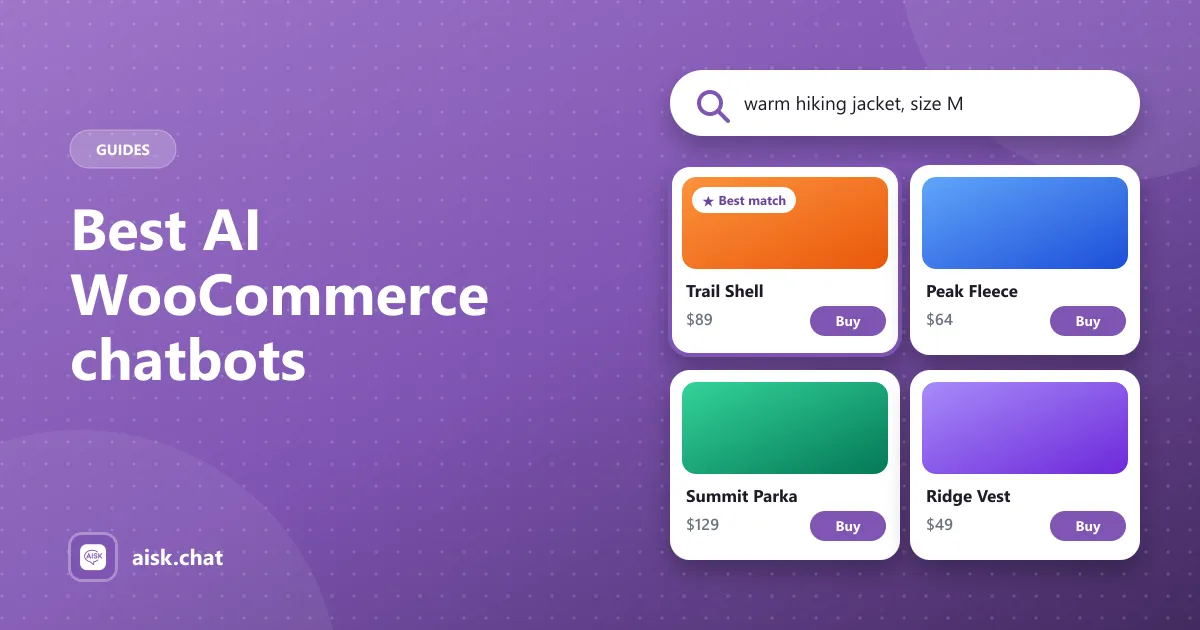
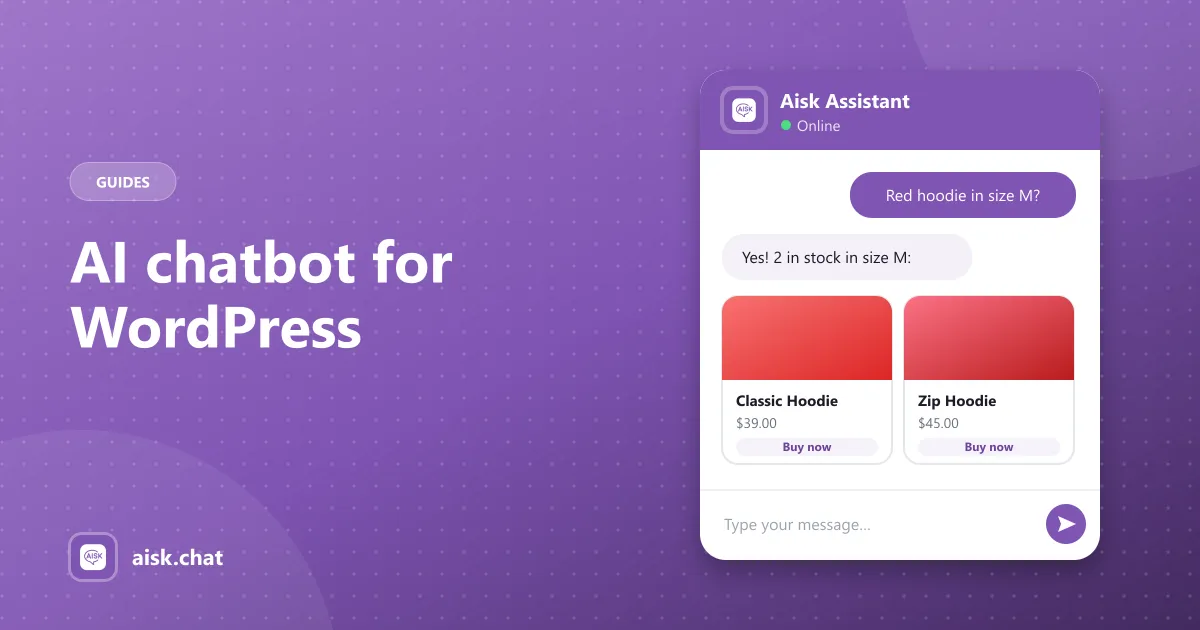
- Products — availability, sizes, materials, recommendations (for online shops)
- Orders — “Where is my order?” with an order number and email (for WooCommerce)
And let a person handle the rest. When the AI doesn’t know, a good chatbot shows your contact details or takes a support ticket, so no customer is left stuck.
What “free website chatbot” usually means
Many chatbot tools advertise a free plan, but small businesses often run into:
- Message limits that pause the bot in busy months
- Branding or features locked behind a paid plan
- Per-seat or per-conversation pricing that grows with you
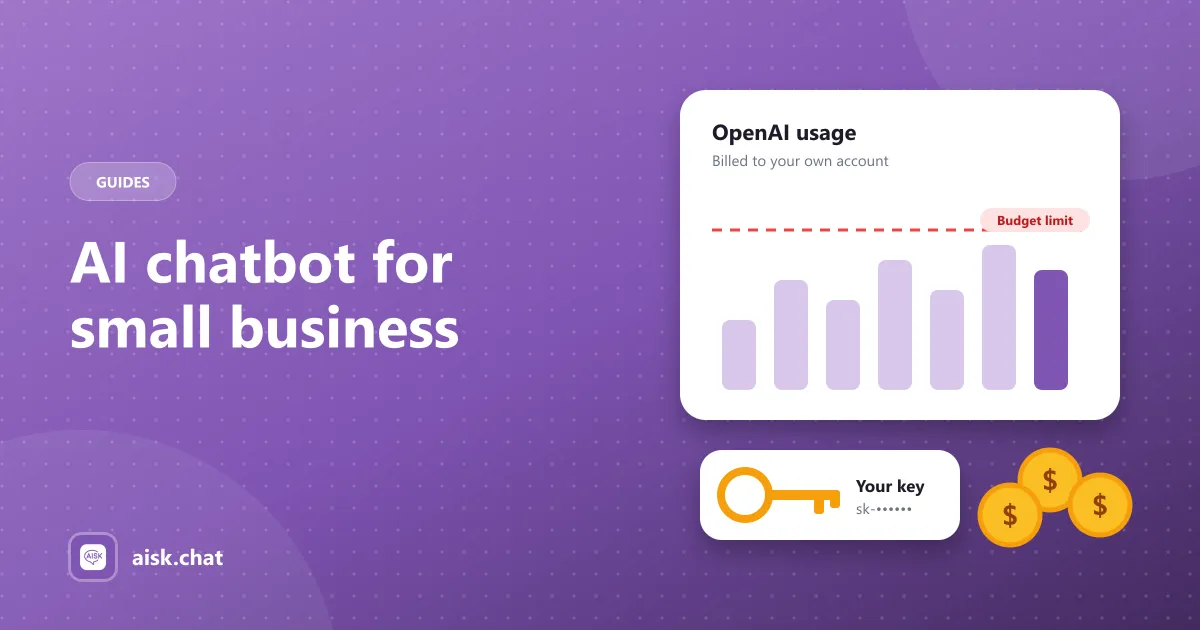
Aisk takes a different approach: the plugin is free with every feature, and you connect your own OpenAI API key. OpenAI bills you directly for usage, with no markup, and you can set a monthly budget so it never costs more than you decide. (How costs work)
Why small businesses like an AI chatbot
- Answers at 10 pm and on Sundays. Customers get help when they’re actually shopping.
- Fewer repetitive emails. Your inbox is left with the questions that need you.
- Consistent answers. The bot always uses your current policy, not someone’s memory of it.
- It shows what customers want to know. The analytics dashboard reveals the questions your website doesn’t answer yet.
Set it up in an afternoon
If your site runs on WordPress:
- Install Aisk from Plugins → Add New.
- Add your OpenAI key in Settings → Aisk and set a budget in OpenAI.
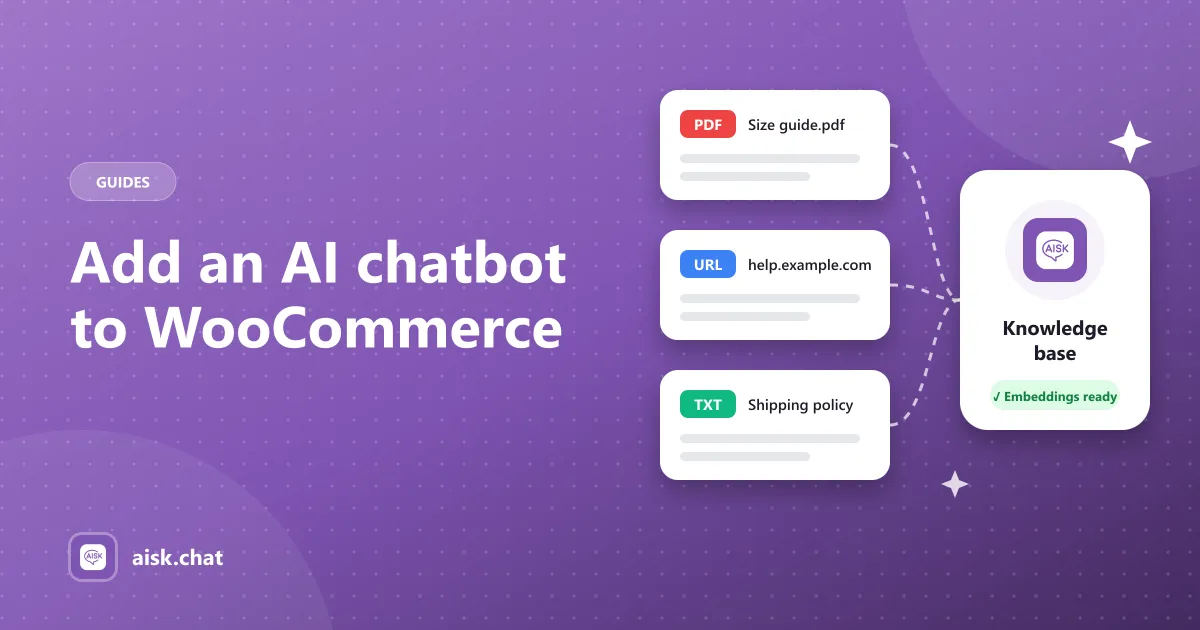
- Click Generate Embeddings — Aisk learns your pages and posts (and products, with WooCommerce).
- Add what’s missing — a price list PDF, a delivery-area note, your FAQ as custom text. (Training guide)
- Brand the widget and add a welcome message.
- Add your contact details for the fallback.
Full step-by-step: how to add an AI chatbot to WooCommerce (the same steps work without WooCommerce).
Reach customers on WhatsApp too
Many small business customers already message on WhatsApp. Aisk can answer there through Twilio, and on Telegram, with the same knowledge — all in one dashboard. (Setup)
Start free
Download Aisk from WordPress.org. If it doesn’t suit your business, deactivate it — there’s no subscription to cancel.
Frequently asked questions
Is an AI chatbot worth it for a small business?
If you answer the same questions repeatedly — hours, prices, shipping, bookings, order status — an AI chatbot saves time and answers customers outside business hours. The setup cost is low when you use a free plugin and pay only for AI usage.
What is the best free website chatbot for a small business?
For small businesses on WordPress, Aisk is a free website chatbot with every feature included and no message limits. It answers from your own pages and documents, and adds product search and order tracking for WooCommerce stores.
How much does an AI chatbot cost for a small business?
With Aisk the plugin is free; you pay OpenAI directly for usage at its published rates, which scales with how many conversations you have. You can set a monthly budget in your OpenAI account as a hard cap.
Do I need technical skills to set up a chatbot?
No. On WordPress, Aisk installs from the plugin directory and is configured from the admin: paste an API key, click Generate Embeddings and the chatbot is live.
Aisk Team
We build Aisk, the free AI sales chatbot for WordPress and WooCommerce. Questions about this article? Ask in thesupport forum.