On this page
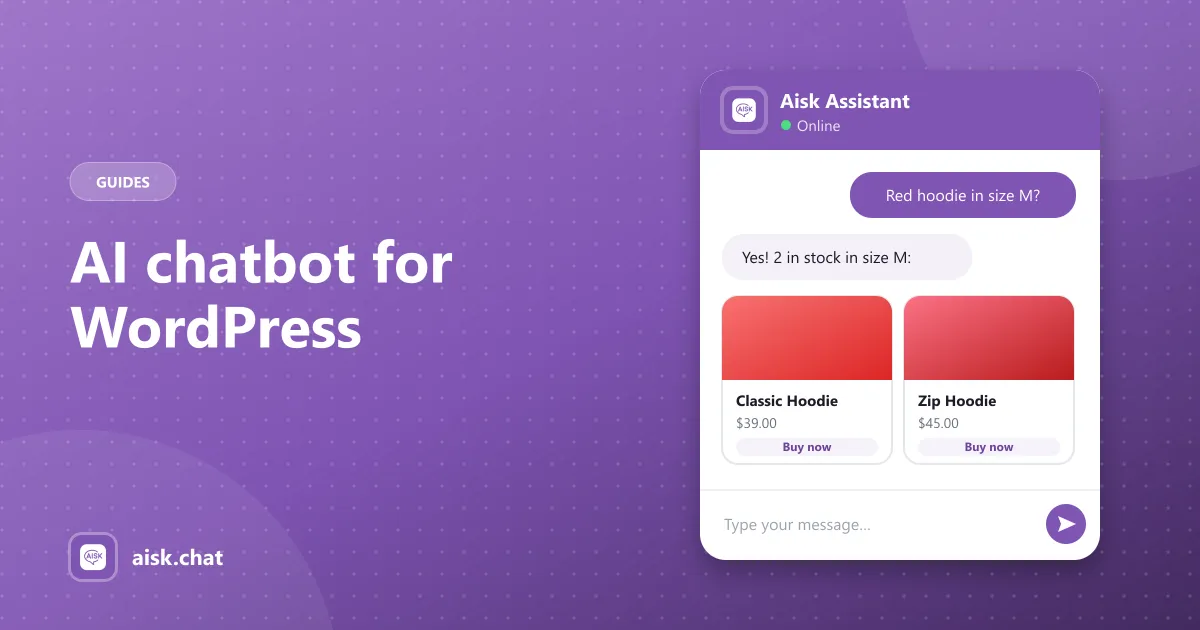
Adding an AI chatbot to WordPress used to mean writing decision trees: if the visitor clicks “Shipping”, show this answer. Modern WordPress AI chatbot plugins skip that. They read your site, build a knowledge base, and answer questions in plain language — a virtual assistant that knows your business.
Here’s how to choose one and get it running.
AI chatbot vs live chat plugin
These get confused, but they solve different problems:
| WordPress live chat plugin | WordPress AI chatbot plugin | |
|---|---|---|
| Who replies | A person on your team | AI, from your content |
| Availability | When someone’s online | 24/7 |
| Best for | Complex, high-value conversations | Repetitive questions at any volume |
| Cost driver | Staff time, per-seat plans | AI usage |
Most sites benefit from both: the AI handles the repetitive questions, and hands off to a person when needed. Aisk does the handoff by showing your support details or opening a ticket.
What to look for in a WordPress chatbot plugin
- Trains on your own content. Pages, posts and FAQs at minimum — ideally PDFs, external URLs and custom text too.
- Easy to keep current. One click to re-learn after you update content.
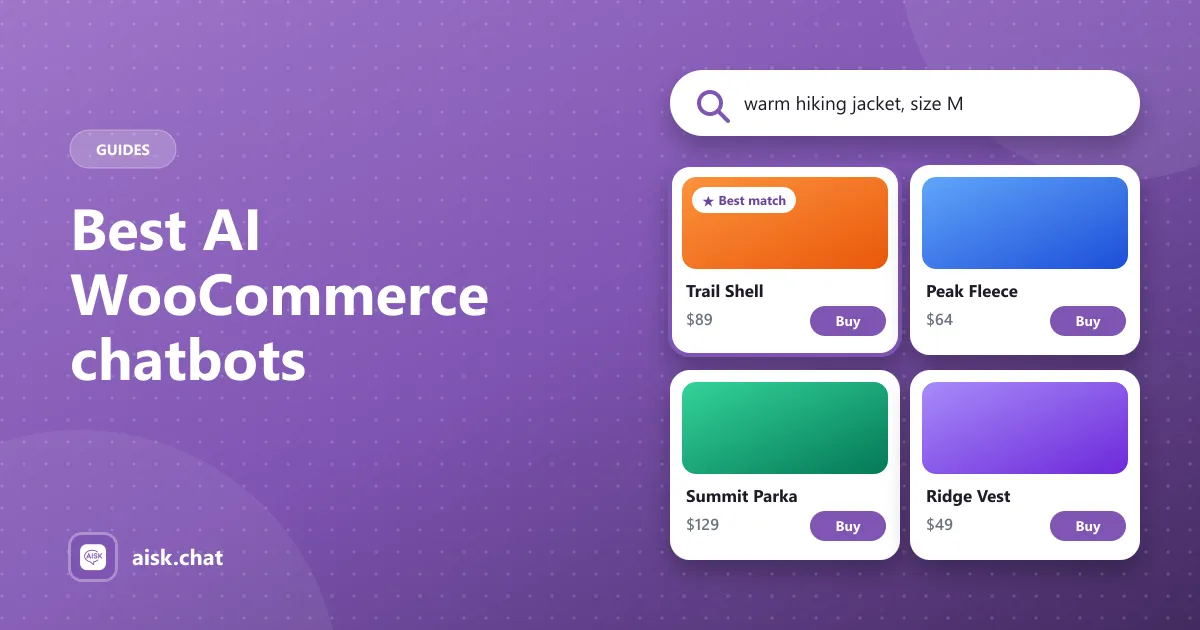
- WooCommerce support if you sell online — product search and order lookup, not just text answers.
- Human fallback — contact details or tickets when the AI isn’t sure.
- Channels beyond the website, like WhatsApp and Telegram.
- Clear pricing. Watch for message caps and features locked behind Pro.
- WordPress.org listing. Plugins in the official directory are reviewed against its guidelines and update through your dashboard.
Setting up Aisk as your WordPress virtual assistant
Aisk is a free AI chatbot plugin for WordPress, with extra features for WooCommerce stores.
- Install — Plugins → Add New, search “Aisk”, Install and Activate.
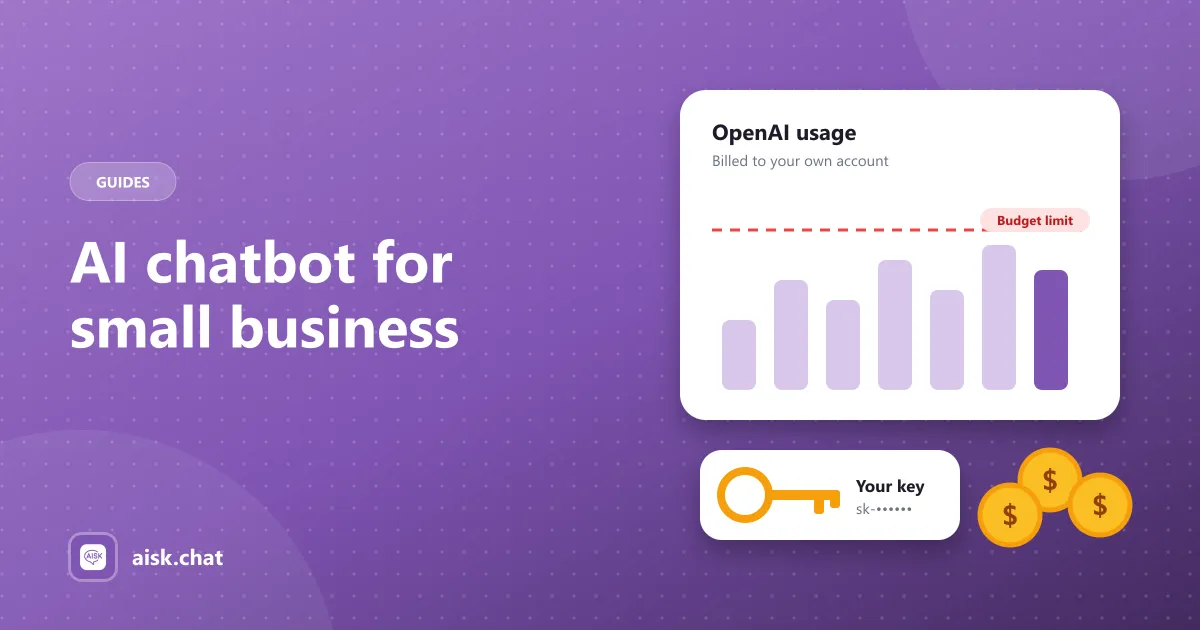
- Connect OpenAI — paste your API key in Settings → Aisk. Set a monthly budget in OpenAI’s billing settings. (Costs explained)
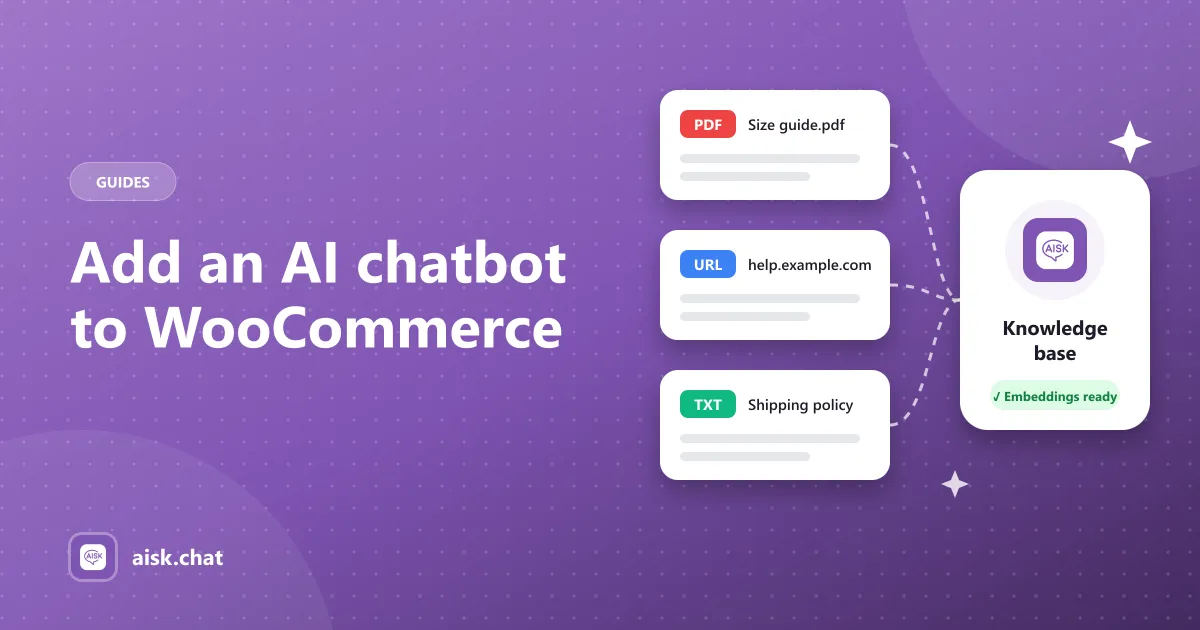
- Generate Embeddings — Aisk reads your pages, posts and products.
- Add external knowledge — PDFs, documents, other websites, custom text. (Training guide)
- Brand the widget — colors, logo, chat icon and rolling welcome messages.
- Set the fallback — support details and tickets.
If you run WooCommerce, turn on the integration for AI product search and order tracking.
What a WordPress virtual assistant can handle
- Business sites: services, pricing, opening hours, booking questions, directions
- Online stores: product questions, recommendations, order status, shipping and returns
- Content sites: finding the right article or guide
- Membership and course sites: how-to and account questions from your documentation
Anything it can’t answer becomes a support ticket — and a hint about what content to add.
Compare your options
We compared the main WordPress AI chatbot plugins — AI Engine, WPBot, MxChat, WoowBot, Hyve, AI Puffer — and live chat tools like Tidio in the best AI chatbots for WooCommerce and WordPress, with side-by-side pages under Aisk compared.
Ready to try it? Download Aisk free from WordPress.org.
Frequently asked questions
What is the best AI chatbot for WordPress?
It depends on the site. For WooCommerce stores and business sites that want a free plugin trained on their own content, Aisk includes everything with no paid tier. For a broad AI toolkit with many model providers, AI Engine is a popular choice.
What is a WordPress virtual assistant?
A WordPress virtual assistant is an AI chatbot plugin that answers visitors' questions on a WordPress site using the site's own content — pages, posts, FAQs, products and documents — at any time of day.
What's the difference between a WordPress chatbot plugin and a live chat plugin?
A live chat plugin connects visitors to a human who types the replies. An AI chatbot plugin answers automatically from your content. Many sites use an AI chatbot first and hand off to a human for the questions it can't answer.
Is there a free AI chatbot plugin for WordPress?
Yes. Aisk is a free WordPress AI chatbot plugin with every feature included and no message limits. You connect your own OpenAI API key and pay OpenAI directly for usage.
Aisk Team
We build Aisk, the free AI sales chatbot for WordPress and WooCommerce. Questions about this article? Ask in thesupport forum.