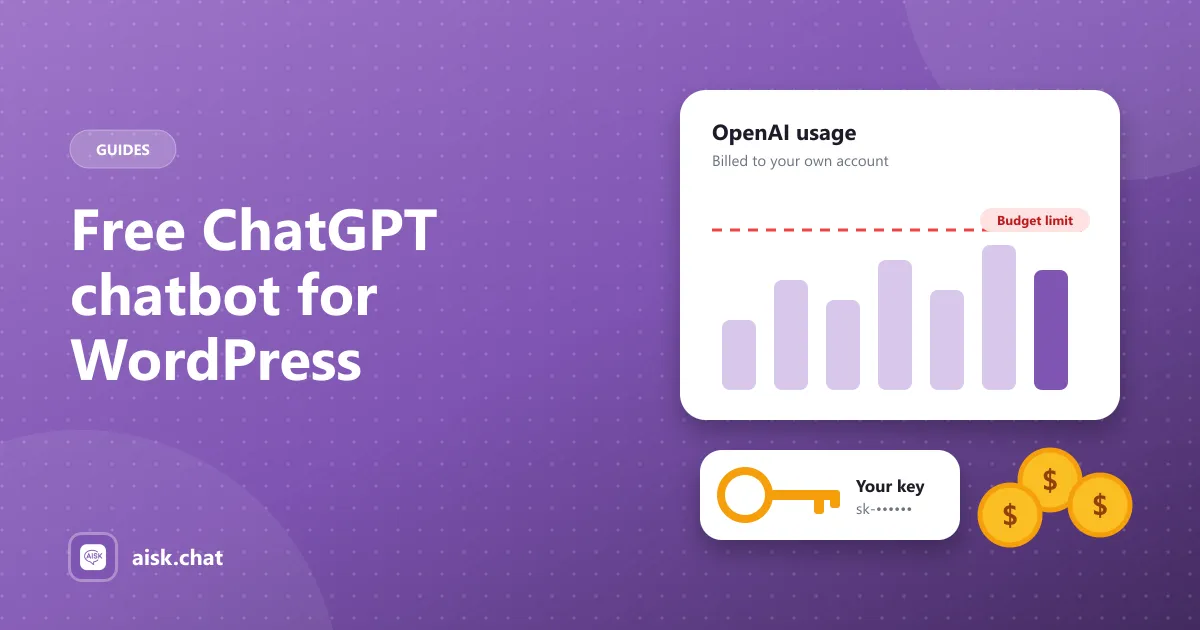
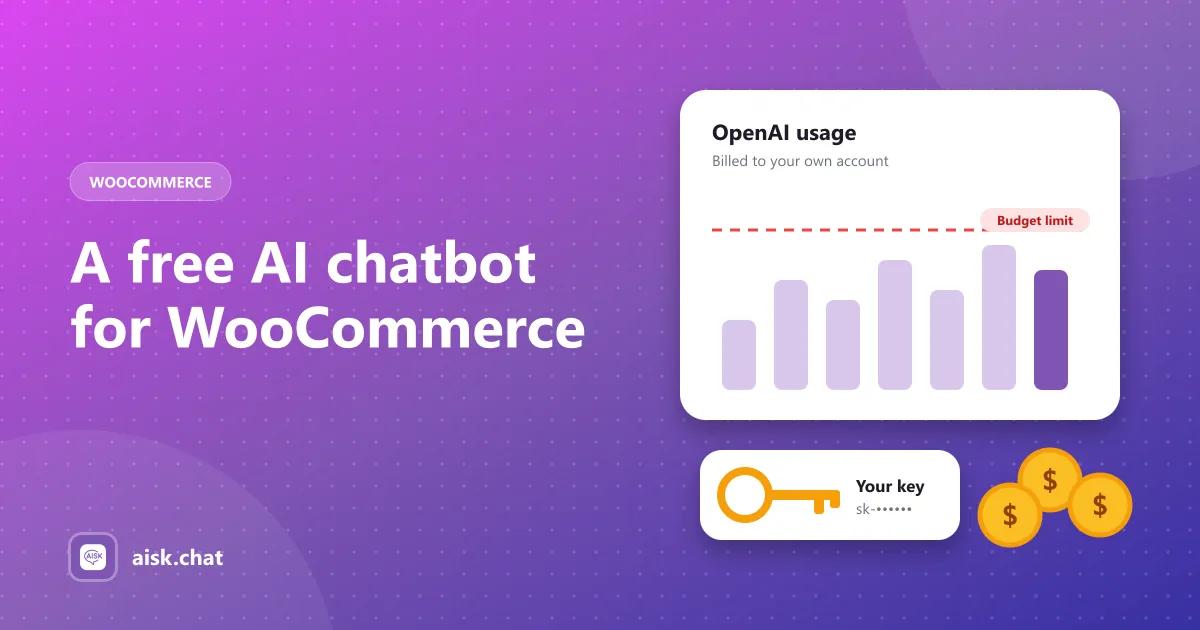
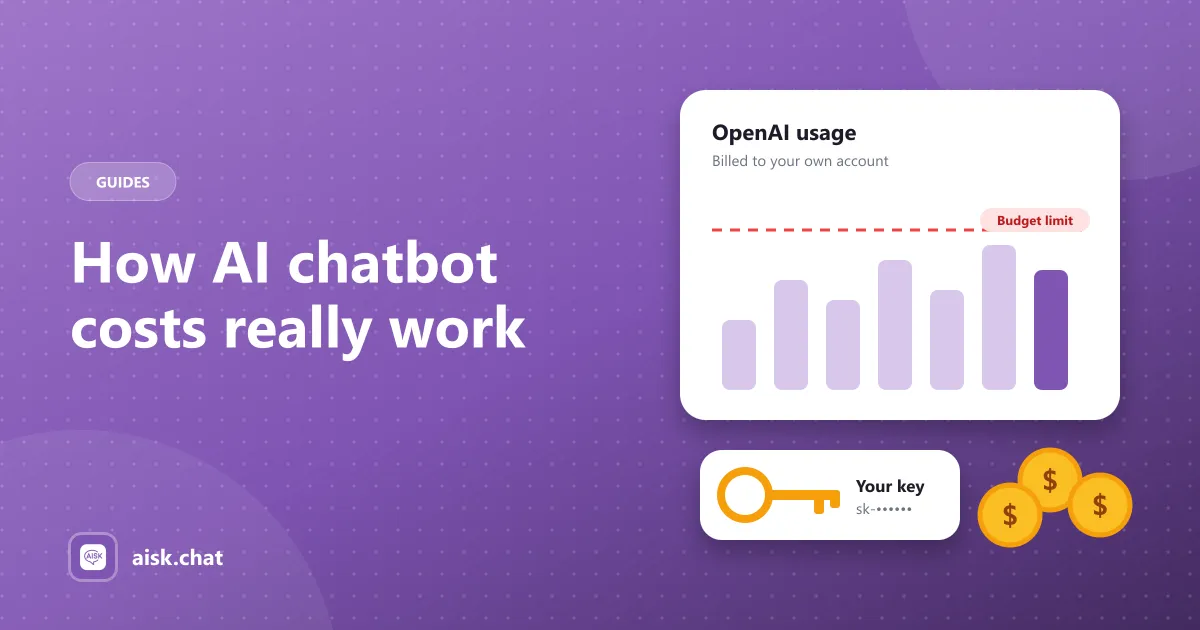
What a free ChatGPT chatbot plugin for WordPress really is — the OpenAI API, not a ChatGPT subscription — what is free, what costs money, and how to set one up.
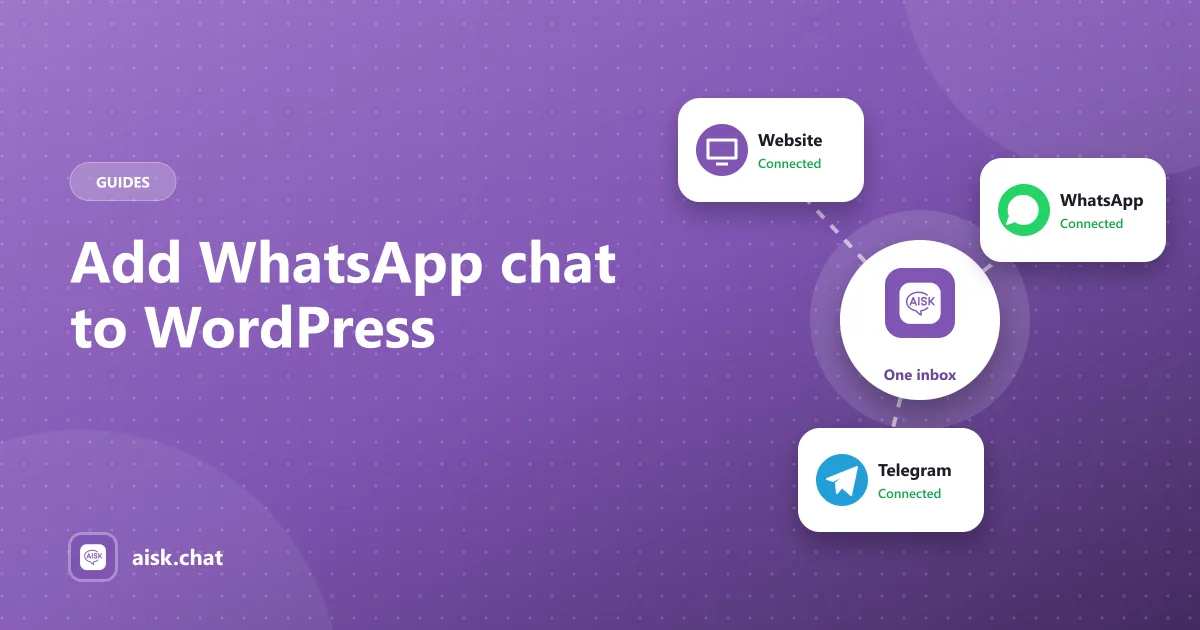
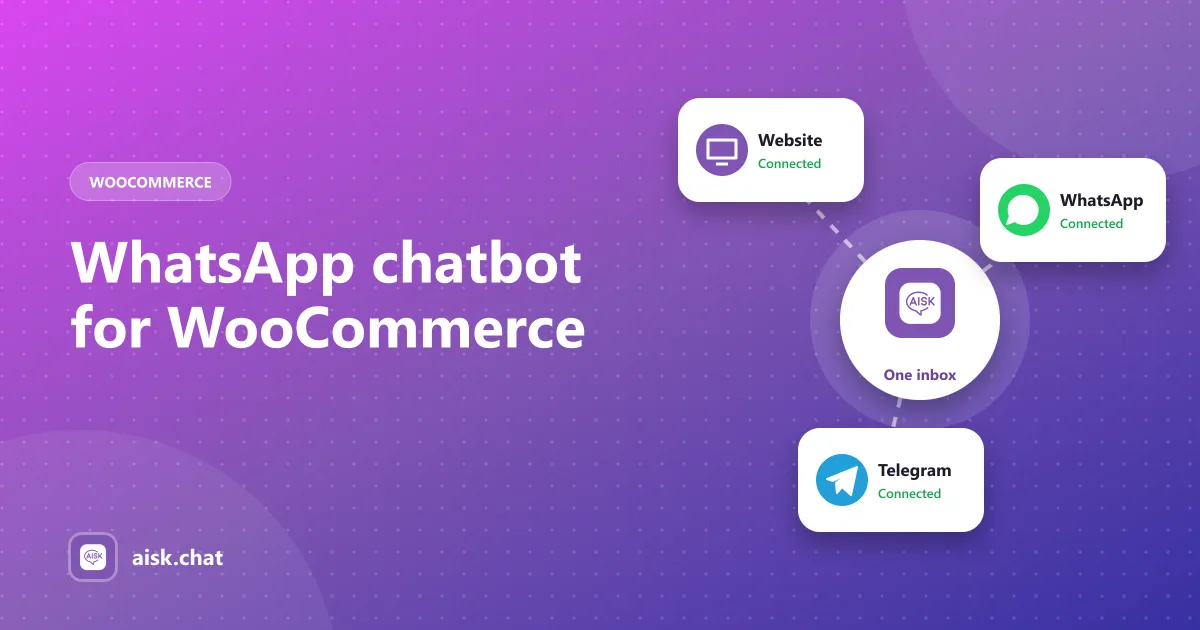
Three ways to add WhatsApp chat to WordPress: a click-to-chat button, a live chat plugin, or an AI WhatsApp chatbot. Step-by-step setup for the AI option.
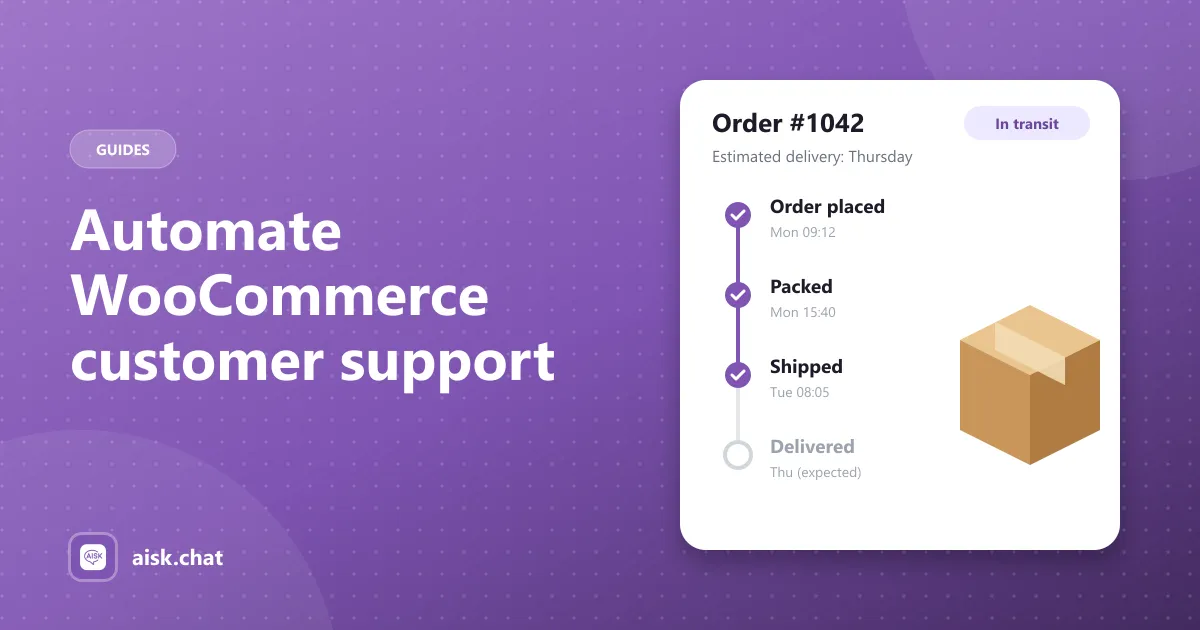
A step-by-step workflow to automate WooCommerce customer support: audit the inbox, map common questions, set up the chatbot and knowledge base, turn on order tracking, add tickets and review analytics.
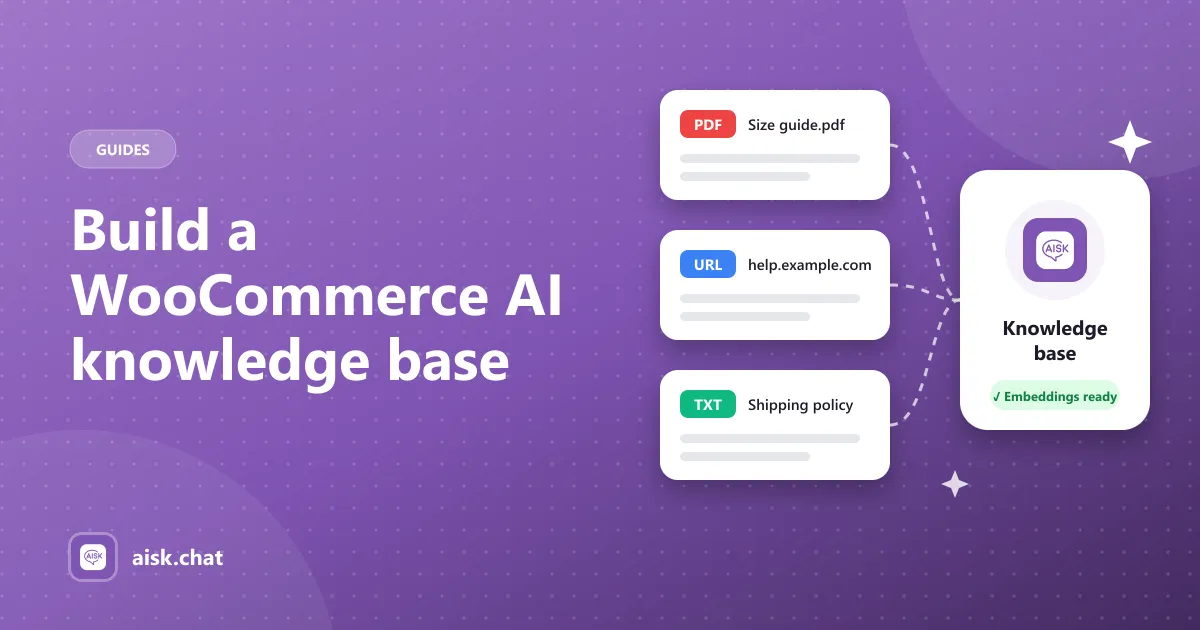
Build an AI chatbot knowledge base for WooCommerce: which shipping, returns, sizing and FAQ content to add, how to structure it, keep it current and test answers.
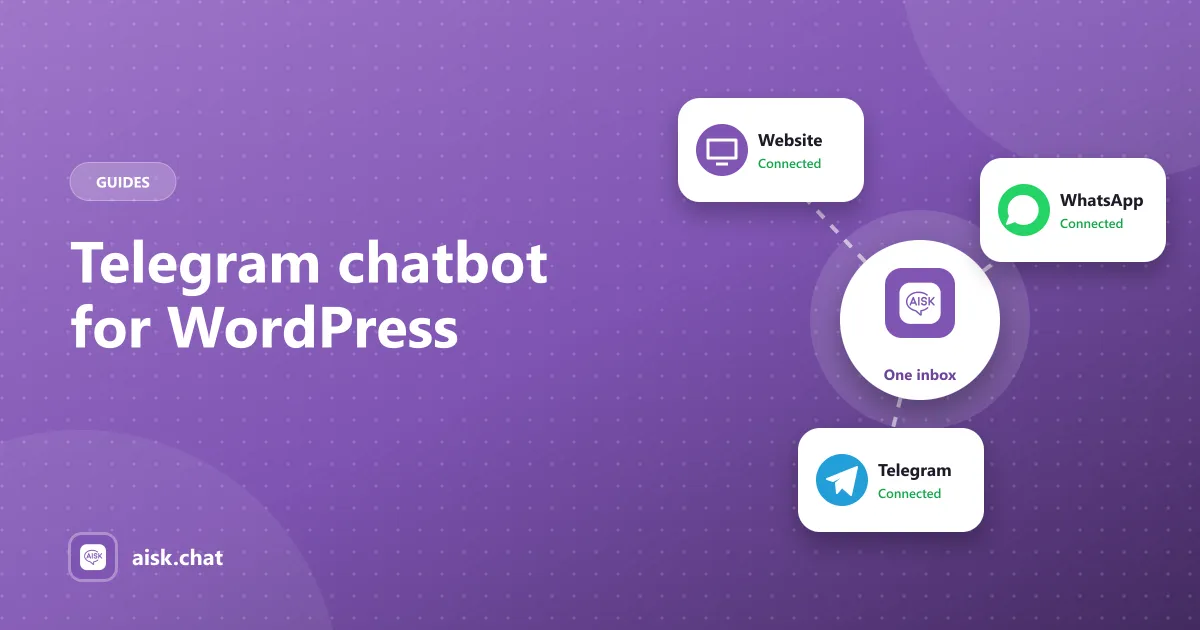
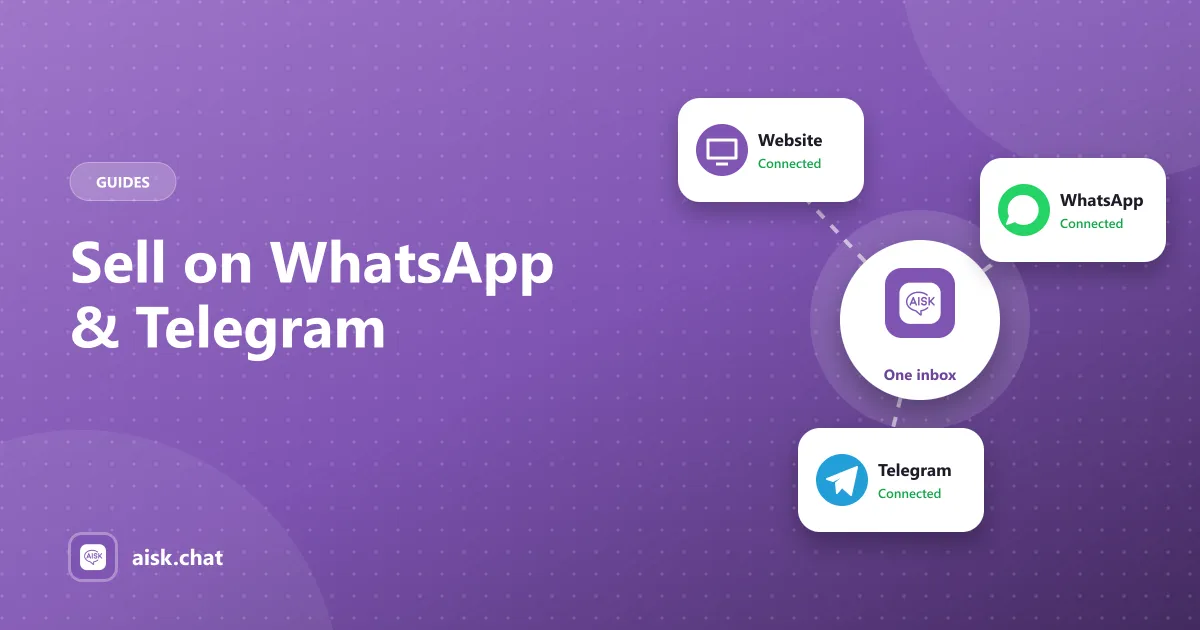
Set up a Telegram chatbot for WordPress with BotFather, product carousels and order tracking, using the same knowledge base as your website and WhatsApp.
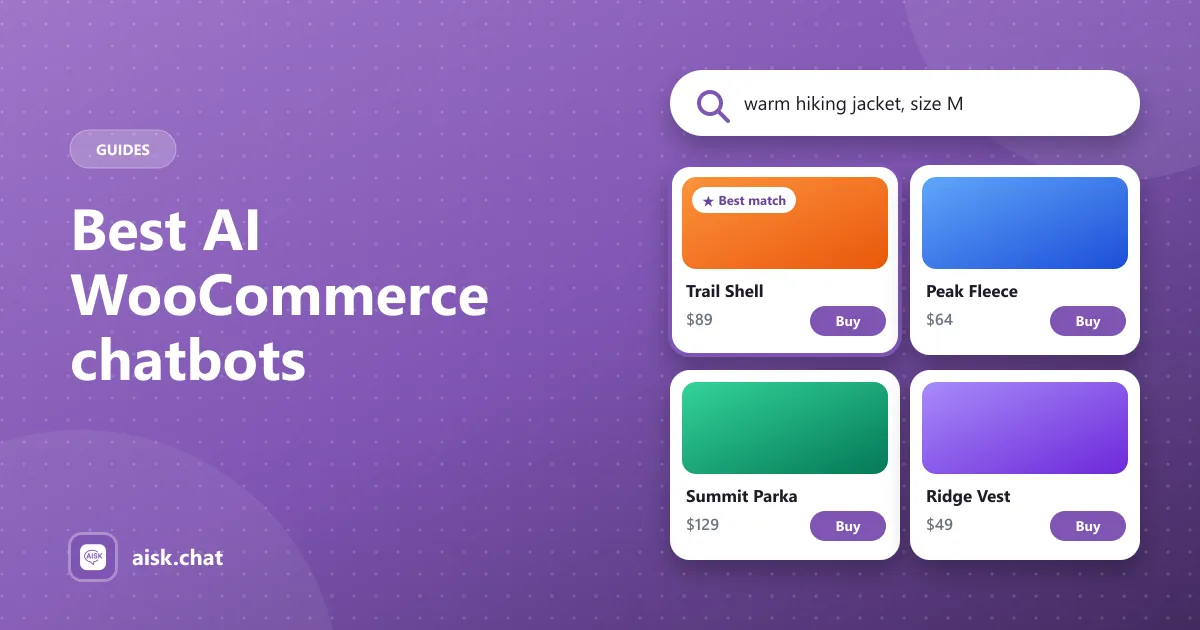
A buyer’s checklist for choosing a WooCommerce chatbot plugin — product search, order lookup, knowledge base, channels and pricing — plus a short free setup.
How a WooCommerce product recommendation chatbot does guided selling in chat, with example conversations, the product data that improves matches, and how to measure it.
How a WordPress customer support chatbot automates repetitive questions on any site — not only stores — with human handoff, tickets and multilingual replies.
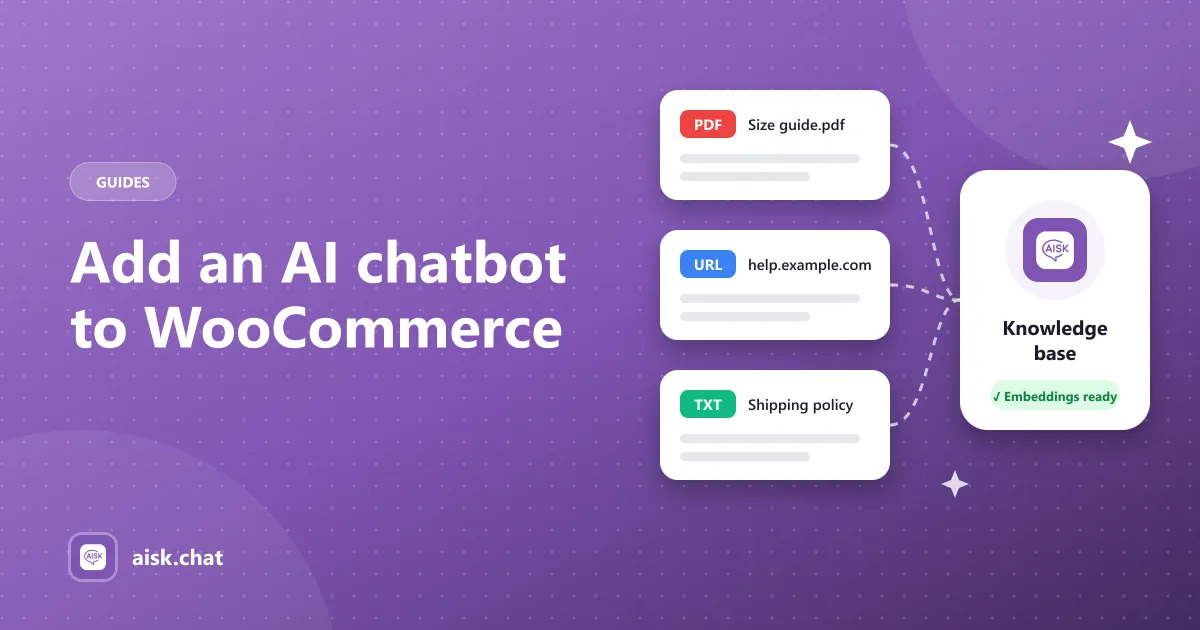
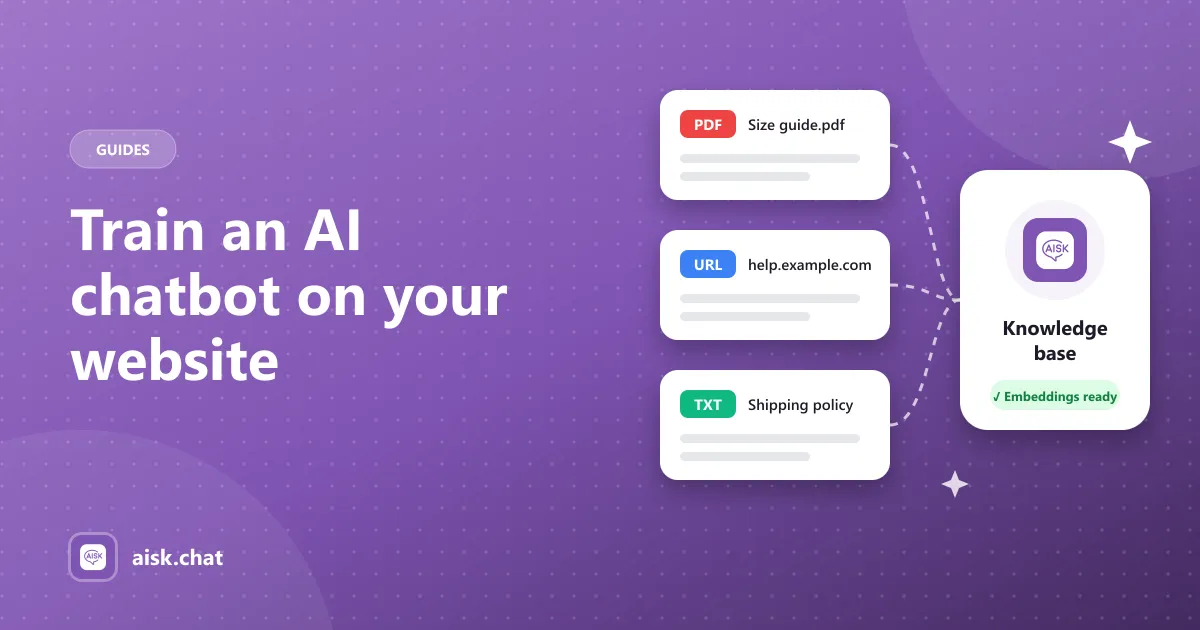
Add an AI chatbot to your WooCommerce store in about five minutes: install a free plugin, connect OpenAI, train it on your products and pages, and test it with real customer questions.
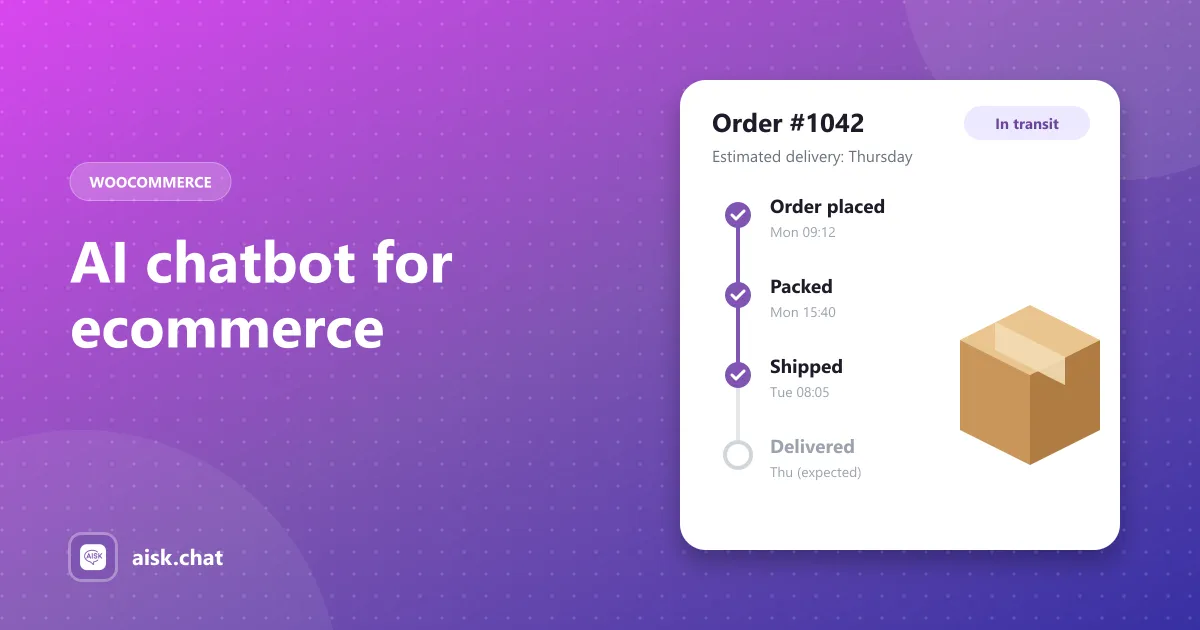
What an AI chatbot for ecommerce should actually do — product search, order tracking, store-specific answers and human handoff — and how to add one to a WooCommerce store for free.
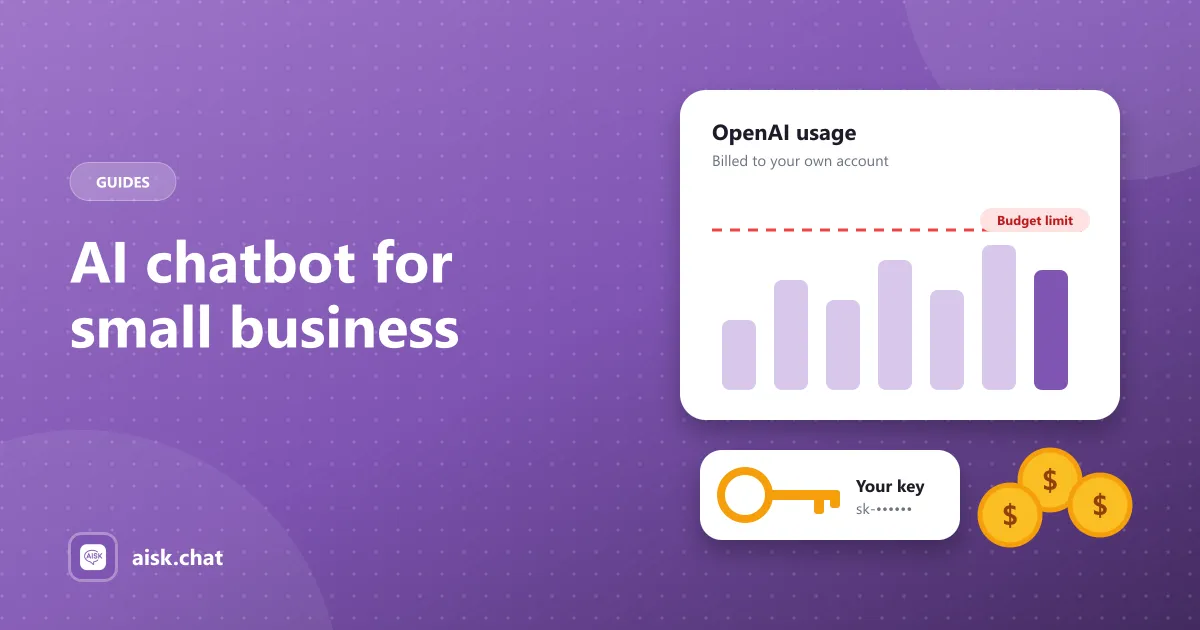
A small business AI chatbot answers customer questions around the clock without hiring support staff. What it can handle, what it costs, and how to add a free website chatbot to WordPress.
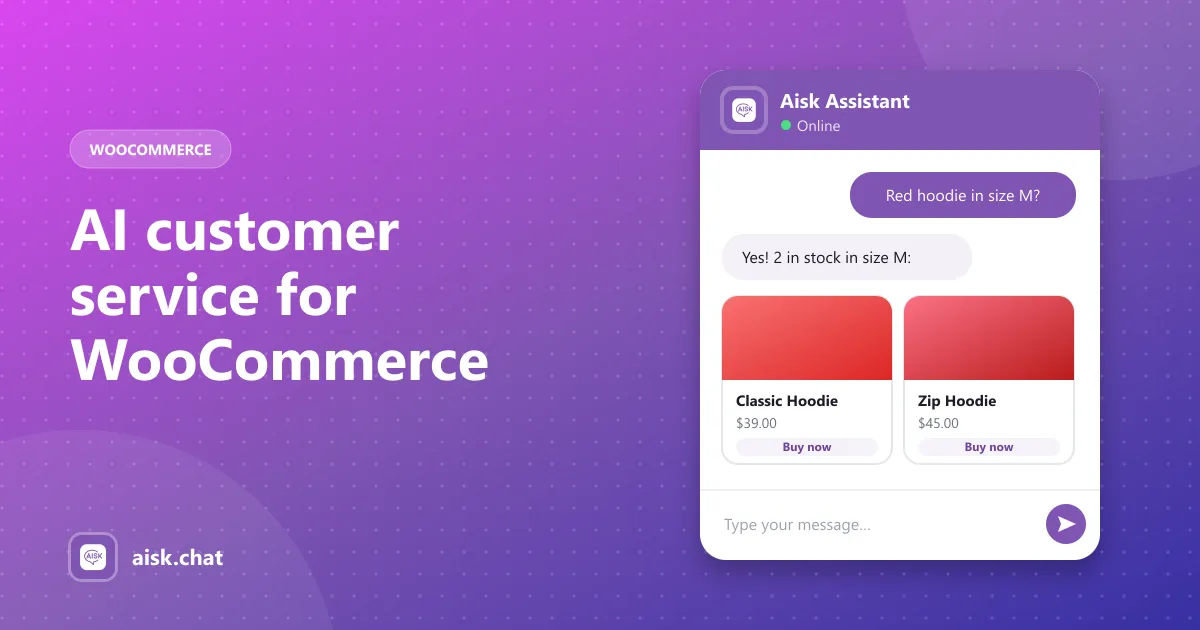
Use an AI customer support chatbot to answer WooCommerce order, shipping, return and product questions 24/7 — and hand the rest to a human. What to automate, what not to, and how to set it up.
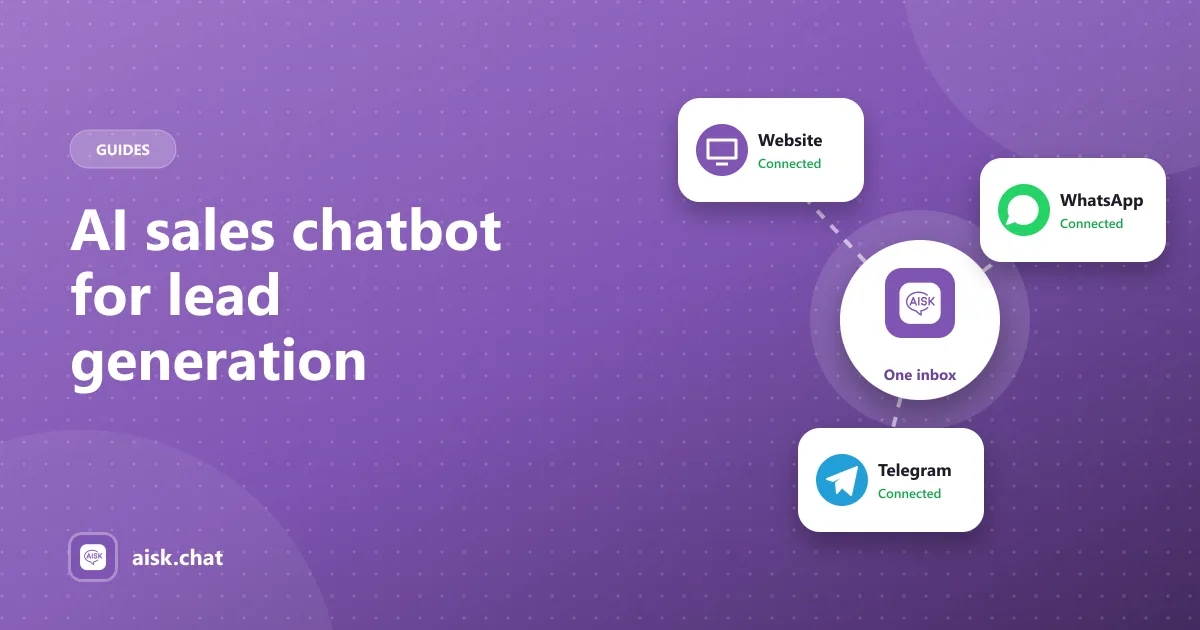
How an AI chatbot for sales and lead generation works on a WordPress or WooCommerce site: answer buying questions, recommend products, and capture contact details when a visitor needs a follow-up.
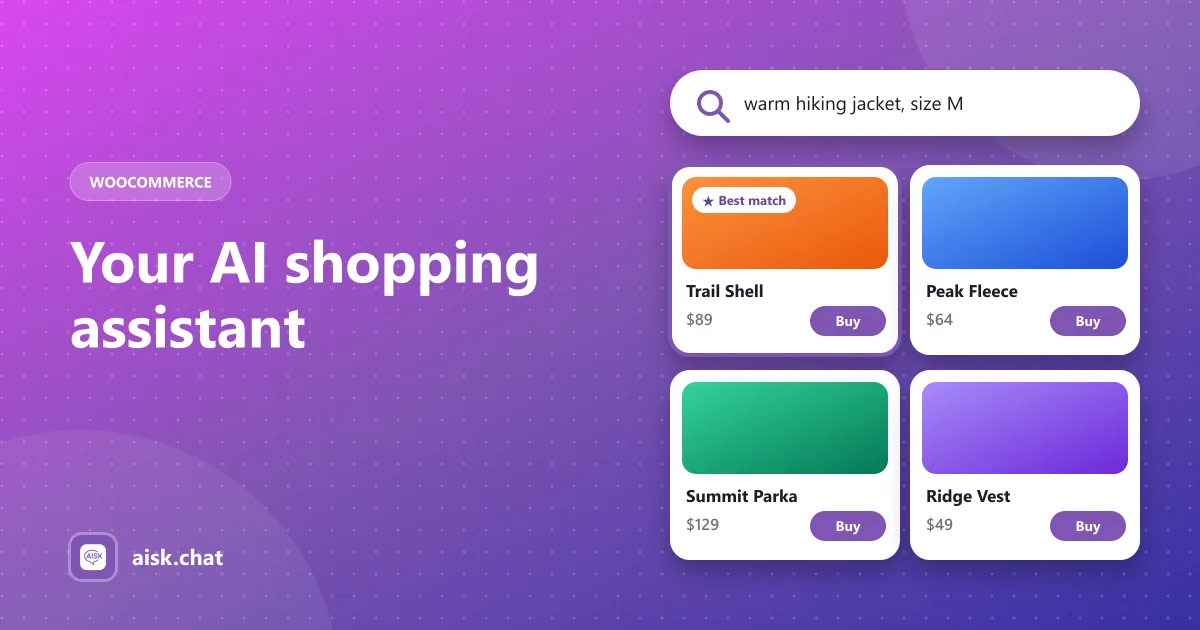
An AI shopping assistant helps shoppers find products by describing what they want, compares options and answers pre-sale questions. Here is how it works in WooCommerce and how to add one free.
Most “free” WooCommerce chatbots cap messages or lock product search and order tracking behind Pro. Here is what a genuinely free AI chatbot looks like and what you actually pay.
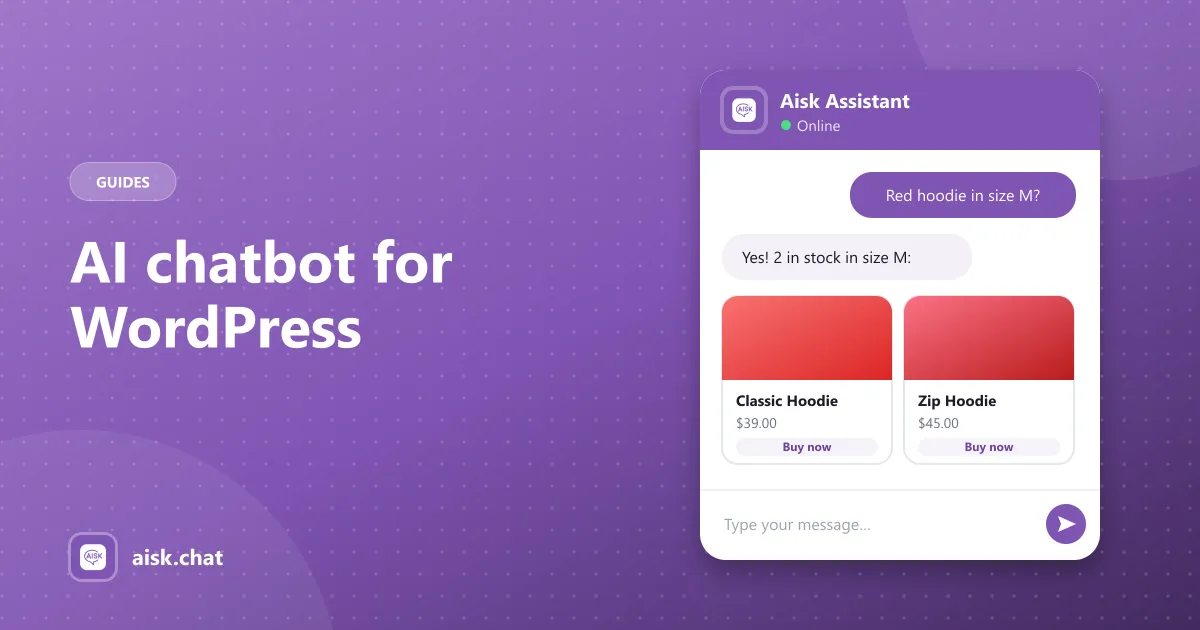
How to choose a WordPress AI chatbot plugin and add a virtual assistant that answers from your own pages, products and PDFs — plus how AI chatbots differ from WordPress live chat plugins.
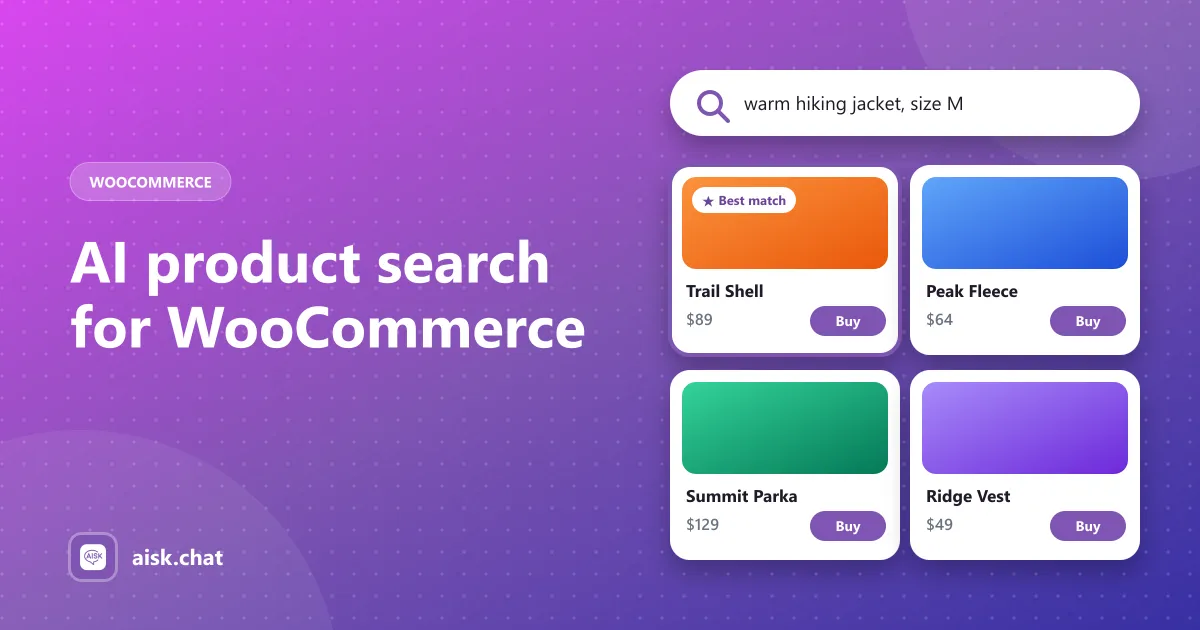
Keyword search fails when shoppers describe what they want in their own words. Here is how conversational product search and recommendations work in Aisk.
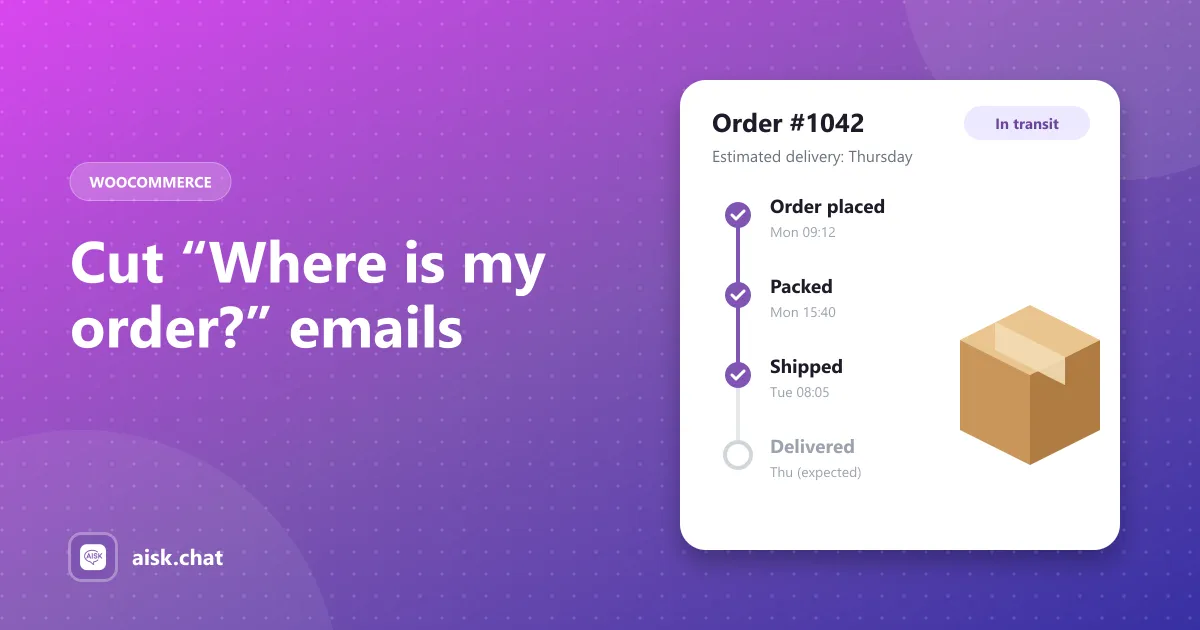
Order status questions are among the most common support requests in ecommerce. Here is how to let customers answer them in chat — on your site, WhatsApp and Telegram.
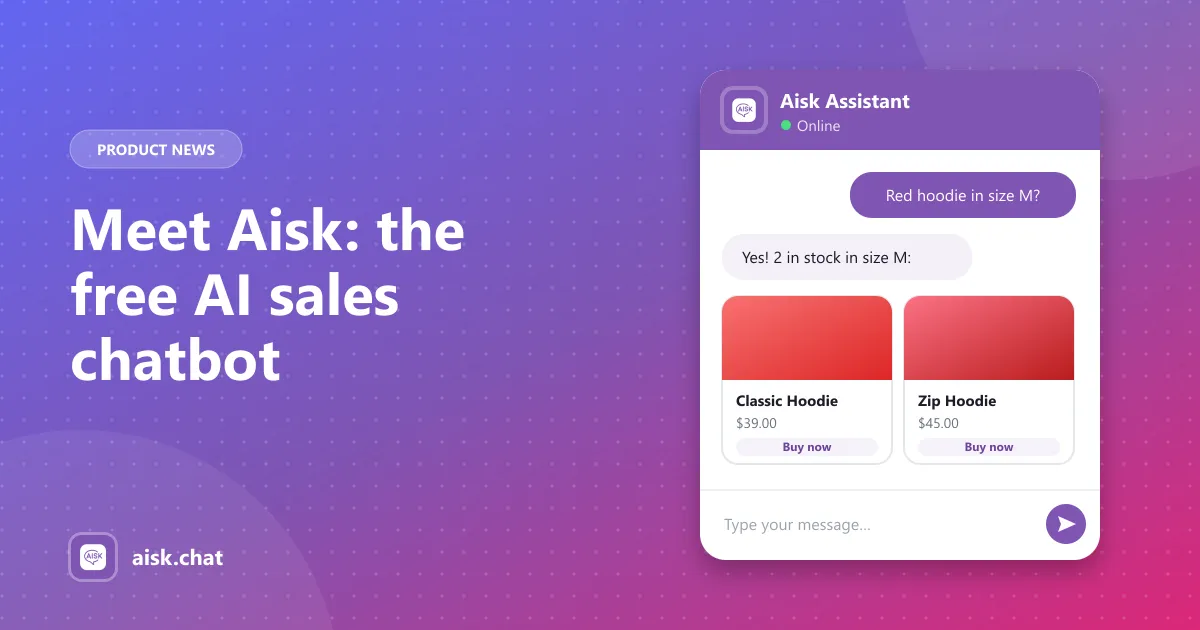
Aisk is a free WordPress plugin that learns your store, recommends products, tracks orders and answers customers on your website, WhatsApp and Telegram.
About the Aisk blog
Aisk is a free AI chatbot plugin for WordPress and WooCommerce. On this blog we explain how to get the most out of it: how to train the chatbot on your pages, products, PDFs and external URLs, how to help shoppers find products and track orders in chat, and how to answer customers on WhatsApp and Telegram from one dashboard.
Every article is written for store owners rather than developers, with the exact settings to change and how to check the result. We also cover what AI usage really costs when you bring your own OpenAI API key, and how to keep that cost predictable as your store grows.
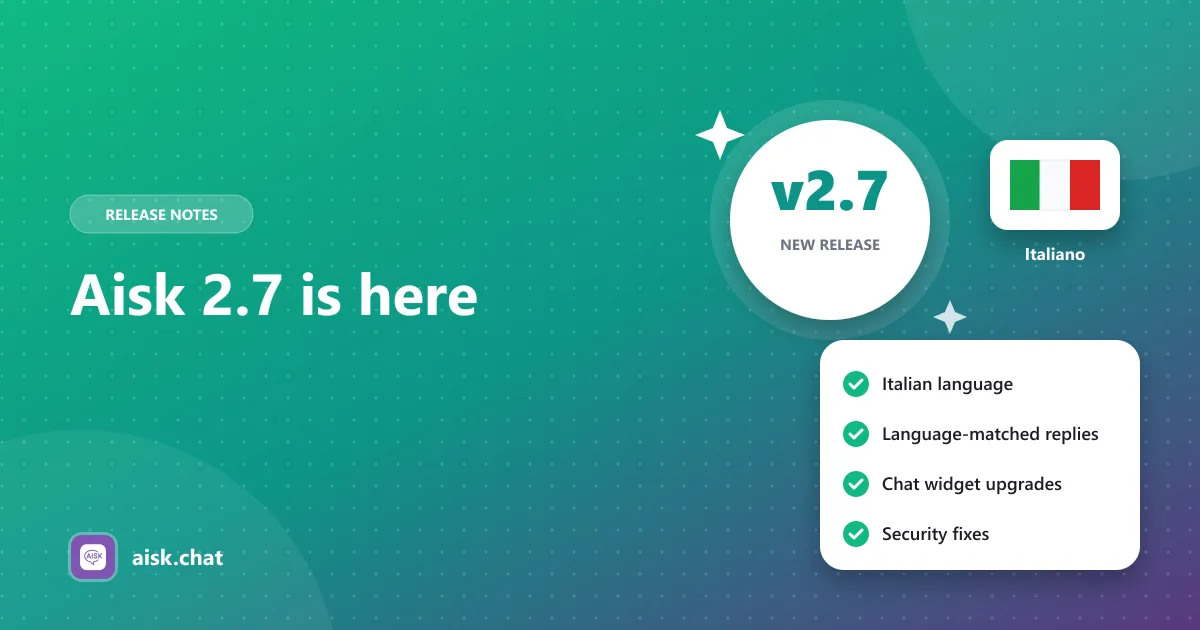
New releases are announced here too, with plain-language notes on what changed and anything to check after you update.