On this page
Related-products widgets guess from the page the shopper is already on. A WooCommerce product recommendation chatbot starts earlier: the shopper describes what they want, in their own words, and the catalog answers with cards they can buy.
That is guided selling. It is also the difference between a chatbot that chats and a chatbot that sells.
The mechanics of search — description, color, size, category — are in AI product search for WooCommerce. This post is about using that search as a salesperson: the conversation, the catalog work behind it, and how to tell if it is helping.
What guided selling looks like
A shopper does not think in SKUs.
“I need a gift for my dad. He hikes, he gets cold, he hates bulky jackets. Budget around $120.”
A keyword search for that sentence fails. A recommendation chatbot should:
- Understand the use case (hiking, warmth, low bulk)
- Respect the budget
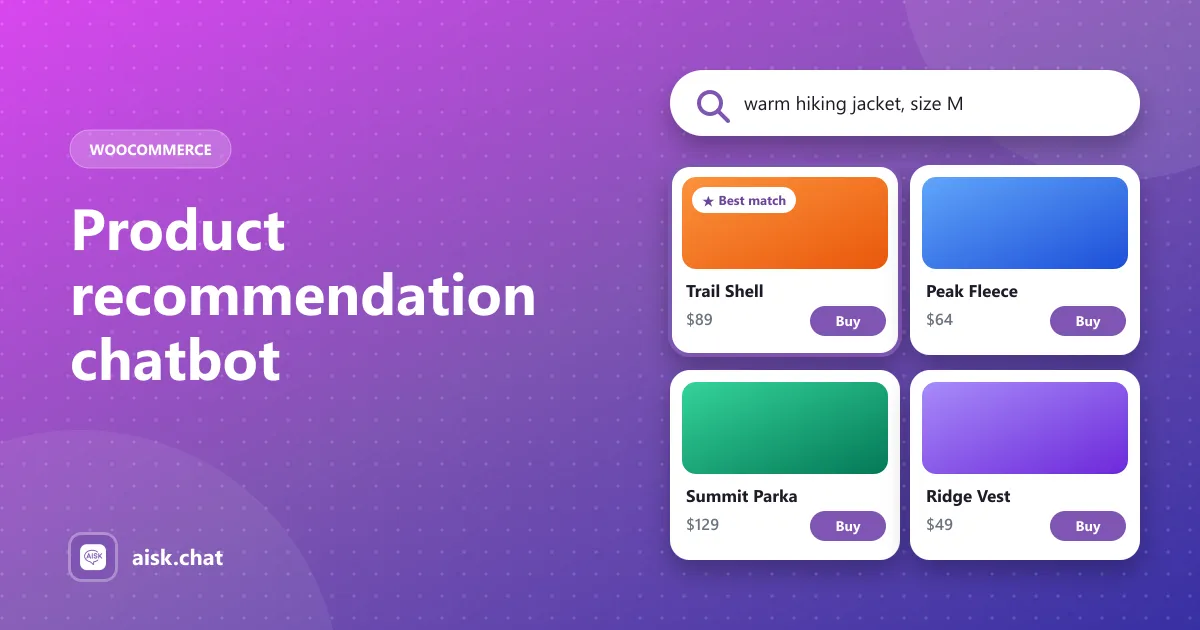
- Return a few product cards — image, price, buy link — not a paragraph of prose
- Wait for the next constraint: “Do you have that in black?” / “Anything cheaper?”
A second, more common pattern is comparison:
“What’s the difference between the Trail Lite and the Summit?”
The bot should use your product descriptions and attributes, not invent features. If those fields are empty, it will hedge or pick the wrong item.
What Aisk does (and does not)
Aisk is a free WooCommerce chatbot plugin. With the WooCommerce integration on, it can:
- Search by description, color, size and category
- Return product cards with images, prices and purchase links
- Keep conversation context so follow-ups refine the last results
- Answer pre-sale questions from your pages in the same thread — “Is this machine-washable?”
- Match the customer’s language and currency symbol (since version 2.7)
It does not add to cart inside the chat, recover abandoned carts, or run merchandising rules like “always push the sale SKU”. If you need those, look at a merchandising or live-chat tool. Honest comparison: best AI WooCommerce chatbots. Feature list: Aisk features.
Example conversations to test
Use these after you generate embeddings. Phrase them the way customers type, not the way you named the products.
- Use case, no product name: “something I can wear in the rain on a bike”
- Constraint stack: “that, but in medium, and under $90”
- Gift: “present for a teenager who likes photography”
- Negative: “not leather, I need vegan”
- Stock: “is the blue one in stock?”
- Blocker: “will it arrive before Friday?” (needs your shipping page in the knowledge base)
If (1)–(4) miss, the catalog data is the problem. If (5)–(6) miss, enable order/catalog integration and add the shipping policy. Training the knowledge base.
Product data that improves matches
The assistant can only recommend what it can understand.
- Write real descriptions. Mention materials, fit, weather, who it is for, and what it is not. “Softshell hiking jacket, packs small, not waterproof” is usable. “Premium quality stylish jacket!!!” is not.
- Set attributes consistently. Color and size on every variable product. Do not mix “Navy”, “navy blue” and “dark blue” if you can help it.
- Categories that match how people shop. “Running” and “Trail” beat a dump category called “New”.
- Upload size guides and manuals as PDFs so “will this fit a 12-year-old?” has a source.
- Regenerate embeddings after you add or edit products. Stale vectors recommend last month’s catalog.
A smaller, accurate catalog index beats dumping every draft product into the knowledge base. Exclude internal or discontinued items in Settings → Aisk.
Where recommendations should appear
The same catalog search runs on:
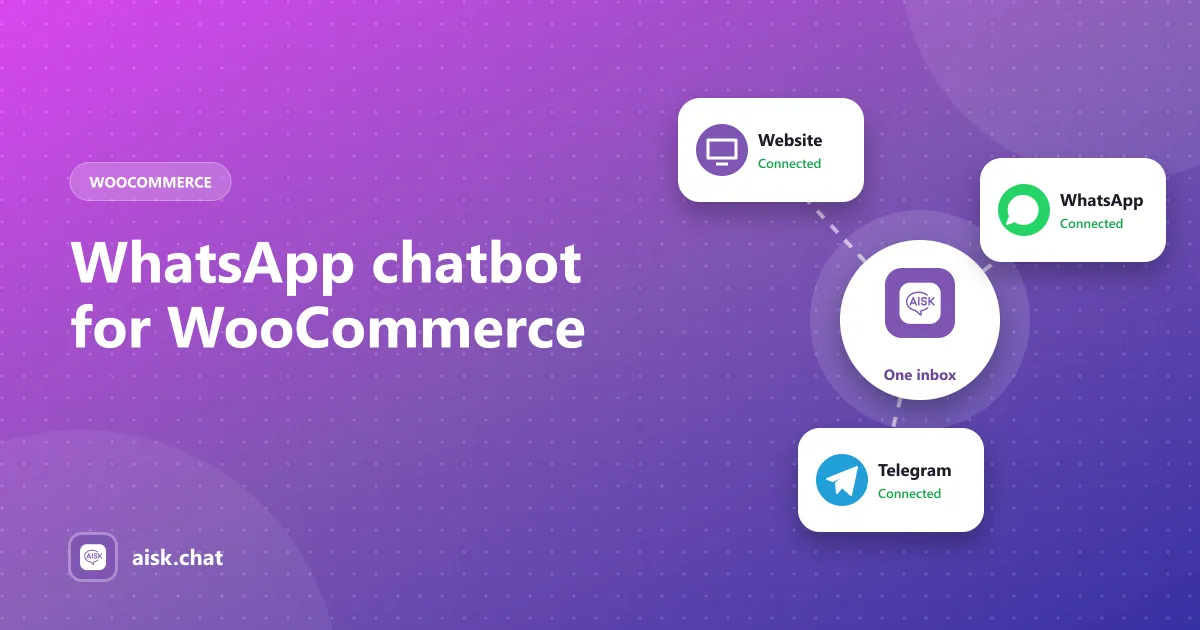
- The website chat widget
- WhatsApp, through Twilio
- Telegram, including product carousels
One knowledge base, one set of product data. WhatsApp chatbot for WooCommerce and Telegram chatbot for WordPress.
Welcome messages matter more than people think. “Looking for a gift? Tell me who it’s for and a budget.” starts a recommendation thread. “How can I help?” does not.
How to measure the impact
You will not get a perfect “chat attributed revenue” number from the plugin. You can still see whether guided selling is working:
- Analytics: which questions appear most. If “do you have X” dominates, recommendations are the job; if “where is my order” dominates, fix order tracking first.
- Unanswered threads: missing attributes or missing products. Those are catalog tasks.
- Clicks through buy links: if cards appear but nobody clicks, prices, photos or the number of results are off. Show a few good matches, not twenty.
- Tickets that start as product questions: the bot recommended nothing useful, or recommended the wrong thing. Read those transcripts.
Short setup
- Install Aisk from WordPress.org and add your OpenAI key. Costs.
- Enable the WooCommerce integration.
- Generate embeddings, then clean up descriptions and attributes on your top 20 products first.
- Write two or three specific welcome messages that invite a description.
- Run the six test conversations above in a private window.
Full install: how to add an AI chatbot to WooCommerce. Setup reference: docs.
Frequently asked questions
What is a WooCommerce product recommendation chatbot?
It is a chatbot that turns a shopper's description into real products from your WooCommerce catalog — with images, prices and a buy link — instead of only answering with text. Aisk does this from the website widget, WhatsApp and Telegram.
How is this different from WooCommerce related products?
Related products are a static list on a product page. A recommendation chatbot has a conversation: the shopper can say “something warmer”, “in black”, or “under $80” and the next cards change.
What product data do I need for better recommendations?
Write real descriptions that mention materials, fit and use cases, set color and size attributes on every variable product, use categories the way customers shop, and regenerate embeddings after catalog changes.
Can the chatbot add products to the cart?
Aisk shows product cards with a purchase link. It does not add items to the cart from inside the chat. The shopper taps through to the product or checkout on your site.
Aisk Team
We build Aisk, the free AI sales chatbot for WordPress and WooCommerce. Questions about this article? Ask in thesupport forum.