On this page
A WooCommerce chatbot plugin is not the same thing as a generic WordPress chatbot. A blog chatbot can get away with answering from pages. A store chatbot has to sell and support: find the right product, check an order, explain shipping, and get a frustrated customer to a person.
Search results mix those two jobs together. This guide is a checklist for picking a plugin that actually works in a store, then a short setup if you want to try Aisk.
What a store chatbot has to do
Before you compare brands, write down the questions your inbox already gets. Most WooCommerce stores repeat the same six:
- “Do you have something like [description]?”
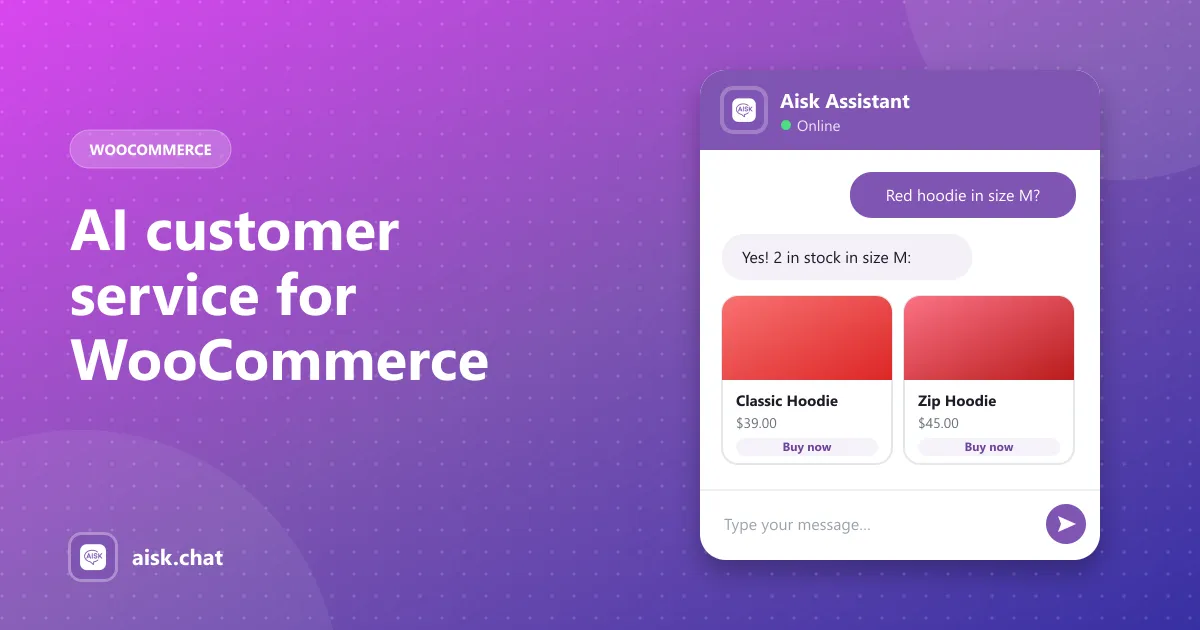
- “Is this in stock in [size / color]?”
- “Where is my order?”
- “Do you ship to [country], and how long does it take?”
- “What’s your return policy?”
- “I need a person.”
If a plugin can’t handle those, the widget is decoration. Side-by-side pricing and feature tables live in our comparison of AI WooCommerce chatbots. Use this page to decide what “good” means for your store.
The buyer’s checklist
1. Product search, not just text answers
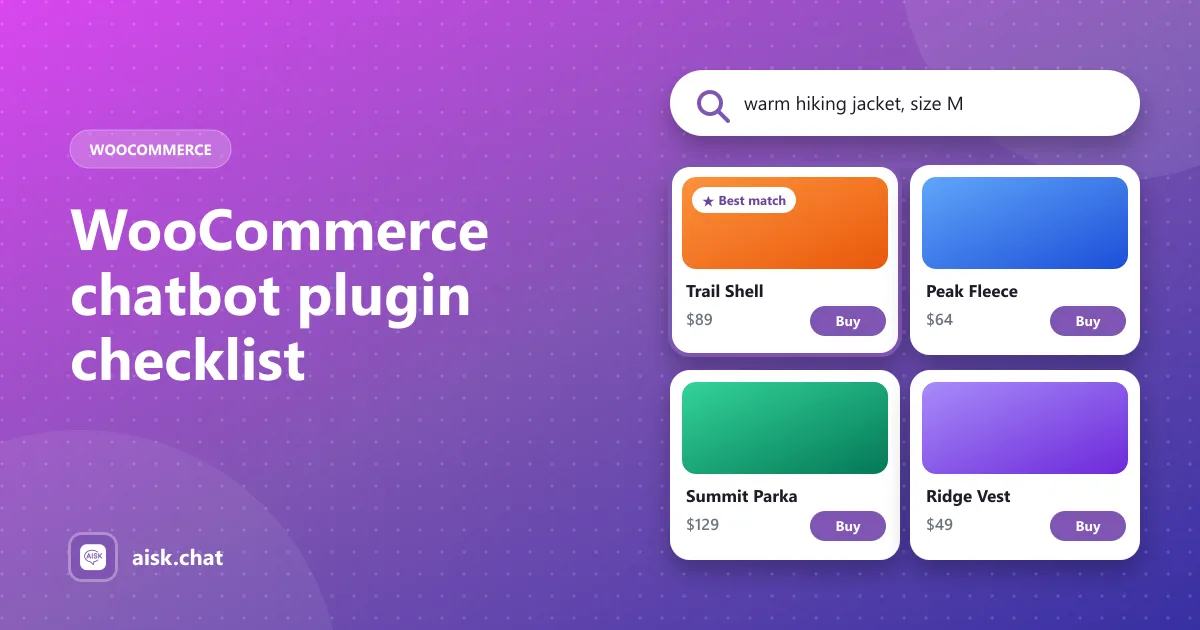
Shoppers describe what they want in their own words. A useful plugin searches your catalog by description, color, size and category, then shows product cards with images, prices and a buy link. Keyword search that only matches titles will miss “a waterproof jacket in medium”.
See how AI product search works in WooCommerce.
2. Order lookup
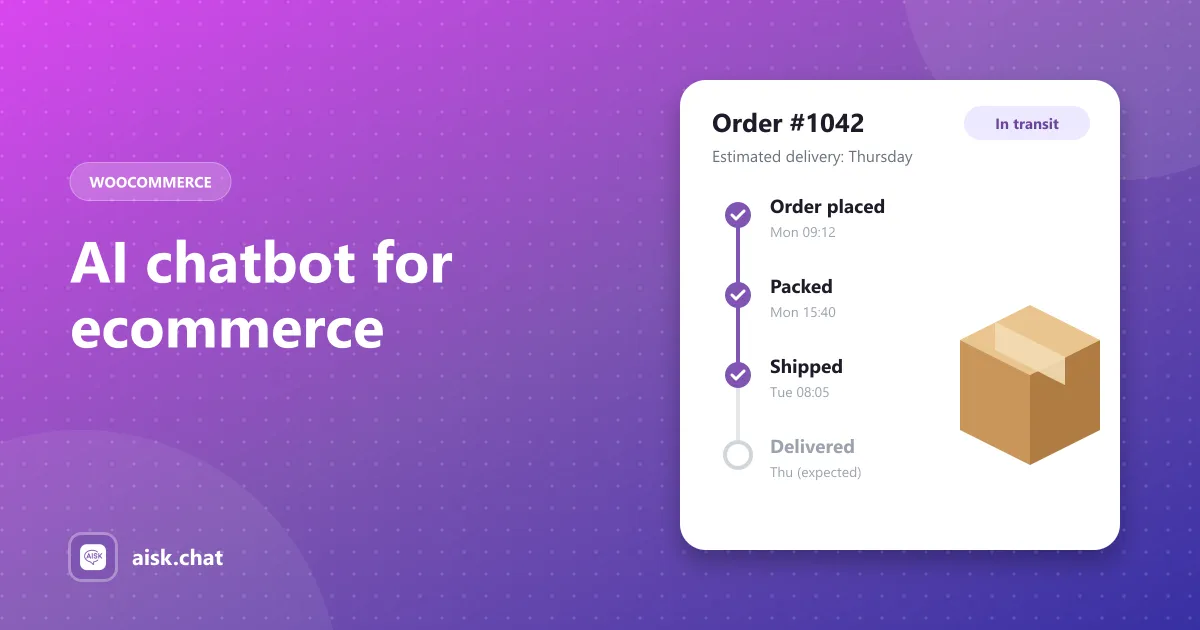
“Where is my order?” is the most common ecommerce support question. The plugin should look up a WooCommerce order when the customer gives the order number and email, and refuse to show anyone else’s order. Details: WooCommerce order tracking chatbot.
3. A knowledge base trained on your store
Generic ChatGPT knowledge will invent shipping times. The plugin should learn your pages, posts, products and FAQs, and let you add PDFs, external URLs and custom text for size guides and policies. How training works.
4. Human fallback
No model knows everything. Look for support details in the widget, or tickets that land in a dashboard when the bot is unsure. Trapping a customer in a loop is worse than having no chatbot.
5. Channels beyond the website
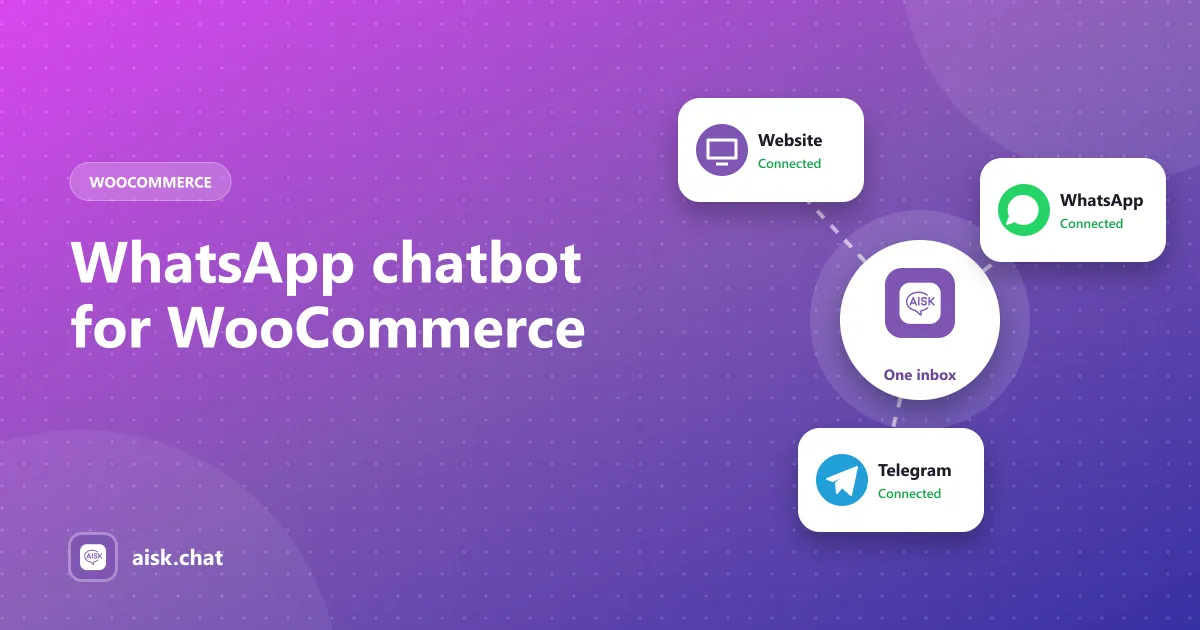
Many shoppers would rather message you on WhatsApp or Telegram. A plugin that reuses the same knowledge base and order data on those channels is more useful than one that only adds a bubble on your theme.
6. Pricing you can explain
Ask two questions of every “free” plugin:
- Are product search, order tracking, PDF training and WhatsApp in the free version, or Pro / add-ons?
- Are you paying a monthly plan with message caps, or connecting your own AI key?
Aisk is the second kind: every feature is included, and you pay OpenAI directly. What “free” usually leaves out.
What Aisk includes
Aisk is a WordPress plugin built for WooCommerce. There is no Pro version:
- Knowledge base from pages, posts, products and FAQs
- PDFs, documents, external URLs and custom text
- AI product search and recommendations
- Order tracking by order number and email
- WhatsApp (via Twilio) and Telegram
- Support tickets and fallback contact details
- Analytics and lead capture
Limitations to know up front: OpenAI models only, no add-to-cart inside the chat (it uses buy links), and you regenerate embeddings after content changes. If you need many AI providers or a full live-chat helpdesk, compare options under Aisk alternatives.
Short setup
- In WordPress, go to Plugins → Add New, search Aisk, install and activate. Or download it from WordPress.org.
- Open Settings → Aisk. Create an OpenAI API key at platform.openai.com, set a monthly budget, and paste the key. How costs work.
- Click Generate Embeddings so the plugin learns your pages and products.
- Enable the WooCommerce integration for product search and order tracking.
- Add shipping, returns and sizing as custom text or PDFs under External Knowledge.
- Set support email or tickets for questions the bot can’t answer.
- Test with a real product search, a real order number and email, and a policy question.
The longer walkthrough is how to add an AI chatbot to WooCommerce. Feature list: what Aisk does. Setup reference: docs.
Mistakes that waste a week
- Installing five plugins to compare widgets. Compare the checklist above on each vendor’s pricing page first. You only need to install the one or two that include product search and order lookup in the plan you will actually pay for.
- Going live with an empty knowledge base. The widget will still open. It will not know your return window. Write the policy pages, generate embeddings, then announce the chat.
- Skipping the “I need a person” test. If the bot talks past that sentence, customers will rage-quit. Fix the fallback before you add the bubble to the homepage.
- Ignoring analytics after launch. Unanswered questions are missing pages, not a reason to rip the plugin out.
After you install
A chatbot plugin is not “set and forget”. Regenerating embeddings after you add products or change policies keeps answers honest. The analytics dashboard shows what customers actually ask — unanswered questions are a content to-do list, not a reason to switch plugins.
Frequently asked questions
What is a WooCommerce chatbot plugin?
A WooCommerce chatbot plugin is a WordPress plugin that puts a chat widget on your store and answers from your own products, pages and orders — not just generic AI knowledge. The useful ones can recommend products, track orders and pass hard cases to your team.
What should I look for in a WooCommerce chatbot plugin?
Check for product search with images and buy links, order lookup by order number and email, a knowledge base trained on your pages and PDFs, a human fallback, extra channels such as WhatsApp or Telegram, and whether those features are free or locked behind Pro.
Is there a free WooCommerce chatbot plugin?
Yes. Aisk is a free WooCommerce chatbot plugin with every feature included and no message limits. You connect your own OpenAI API key and pay OpenAI directly for usage.
Do I need coding skills to install a WooCommerce chatbot?
No. Aisk is installed from Plugins → Add New and configured in Settings → Aisk. No shortcodes, theme edits or custom code are required.
Aisk Team
We build Aisk, the free AI sales chatbot for WordPress and WooCommerce. Questions about this article? Ask in thesupport forum.