On this page
- What a WooCommerce chatbot actually needs to do
- Quick comparison
- 1. Aisk — best free AI chatbot built for WooCommerce
- 2. AI Engine — best all-round AI toolkit for WordPress
- 3. Tidio — best WordPress live chat plugin with AI on top
- 4. WPBot — feature-rich, but WooCommerce is Pro
- 5. MxChat — multi-model RAG chatbot
- 6. WoowBot — WooCommerce-focused, AI is Pro
- 7. Hyve — simple content-trained chatbot
- 8. AI Puffer — AI content suite with chatbots
- 9. Chatbase — hosted AI agent platform
- How to choose
- Frequently asked questions
Searching for an AI WooCommerce chatbot for WordPress turns up dozens of WordPress chatbot plugins, live chat plugins and SaaS tools, and most “best of” lists are written by vendors ranking their own product first. This one is too — we make Aisk — so instead of asking you to trust us, we’ve stuck to what each tool’s WordPress.org listing and pricing page say, and called out where competitors are the better choice.
Facts last checked October 2026. Prices change, so confirm on each vendor’s site.
What a WooCommerce chatbot actually needs to do
A general-purpose chatbot answers questions. A store chatbot has to sell and support. Before comparing tools, check for these:
- Learns your store — pages, policies, FAQs and products, not just generic AI knowledge.
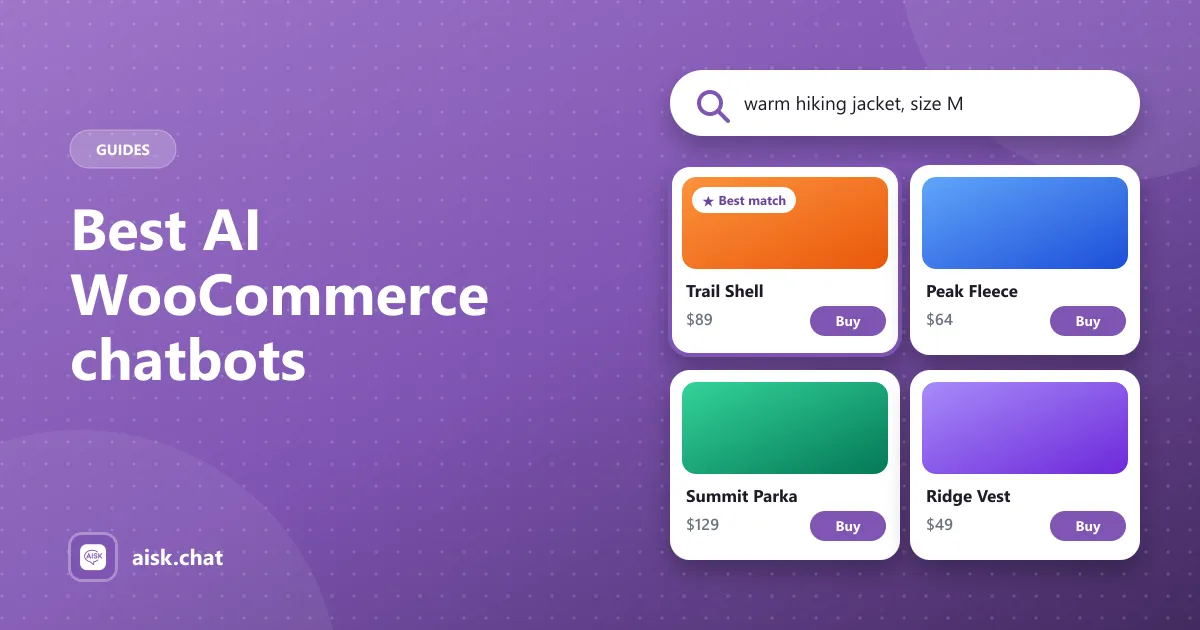
- Product search and recommendations — “a warm jacket for hiking under $100” should return real products with images, prices and a buy link.
- Order tracking — “Where is my order?” is the most common support question in ecommerce.
- Human fallback — when the bot can’t answer, the customer needs a way to reach you.
- Channels — many shoppers prefer WhatsApp or Telegram to a website widget.
- Predictable cost — per-message pricing and message caps add up fast in busy months.
Quick comparison
| Chatbot | Type | Price | Product search | Order tracking | WhatsApp / Telegram |
|---|---|---|---|---|---|
| Aisk | WordPress plugin | Free (your OpenAI key) | Free | Free | Free |
| AI Engine | WordPress plugin | Free; Pro from ~$59 | DIY with Pro | DIY with Pro | Not listed |
| Tidio | SaaS | From $29/month | Partial (agents send product cards) | Partial (agents see orders) | Not listed |
| WPBot | WordPress plugin | Free; Pro $39–$189/year | Pro | Pro | Pro |
| MxChat | WordPress plugin | Free; Pro from ~$70 + add-ons | Paid add-on | Paid add-on | Not listed |
| WoowBot | WordPress plugin | Free; Pro license | Basic free, AI is Pro | Pro | Not listed |
| Hyve | WordPress plugin | Free; Pro from $79 | Pro | Pro | Not listed |
| AI Puffer | WordPress plugin | Free; paid plan | Partial (answers from product pages) | Not listed | Not listed |
| Chatbase | SaaS | $32–$400/month | Not listed | Not listed | WhatsApp on paid plans |
For full feature-by-feature tables, see Aisk compared with other AI chatbots.
1. Aisk — best free AI chatbot built for WooCommerce
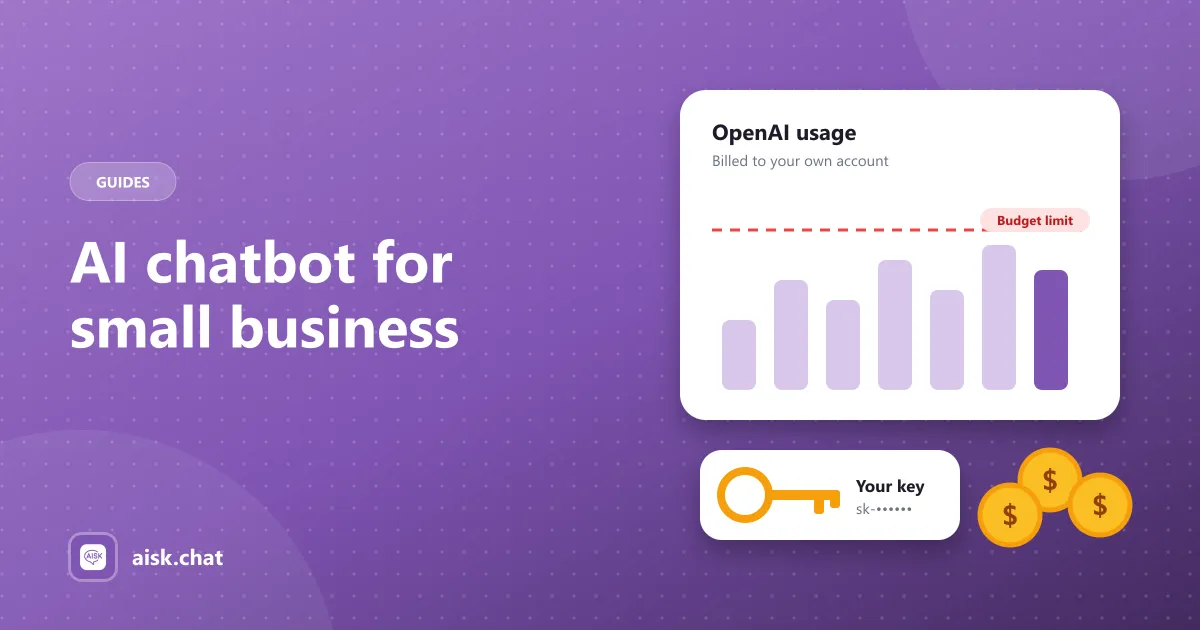
Aisk is a WordPress plugin built for one job: selling and supporting customers in a WooCommerce store. Every feature is free, with no paid tier and no message limits. You connect your own OpenAI API key and pay OpenAI directly — see how AI chatbot costs really work.
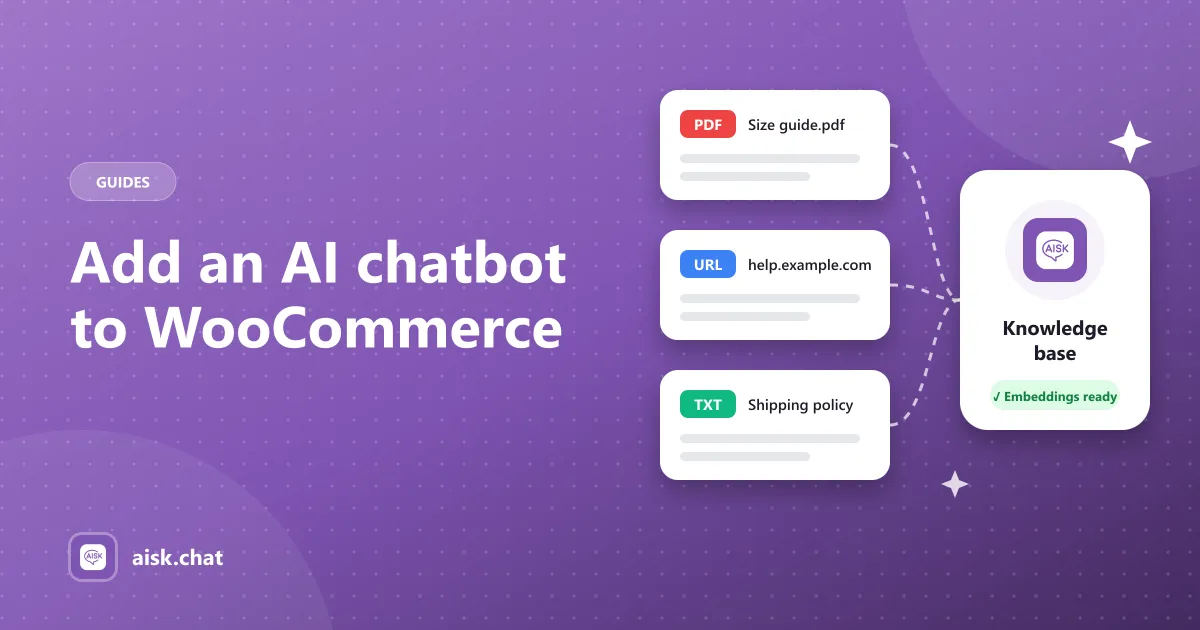
- Learns your site — pages, posts, products and FAQs via “Generate Embeddings”, plus PDFs, documents, external URLs and custom text (guide).
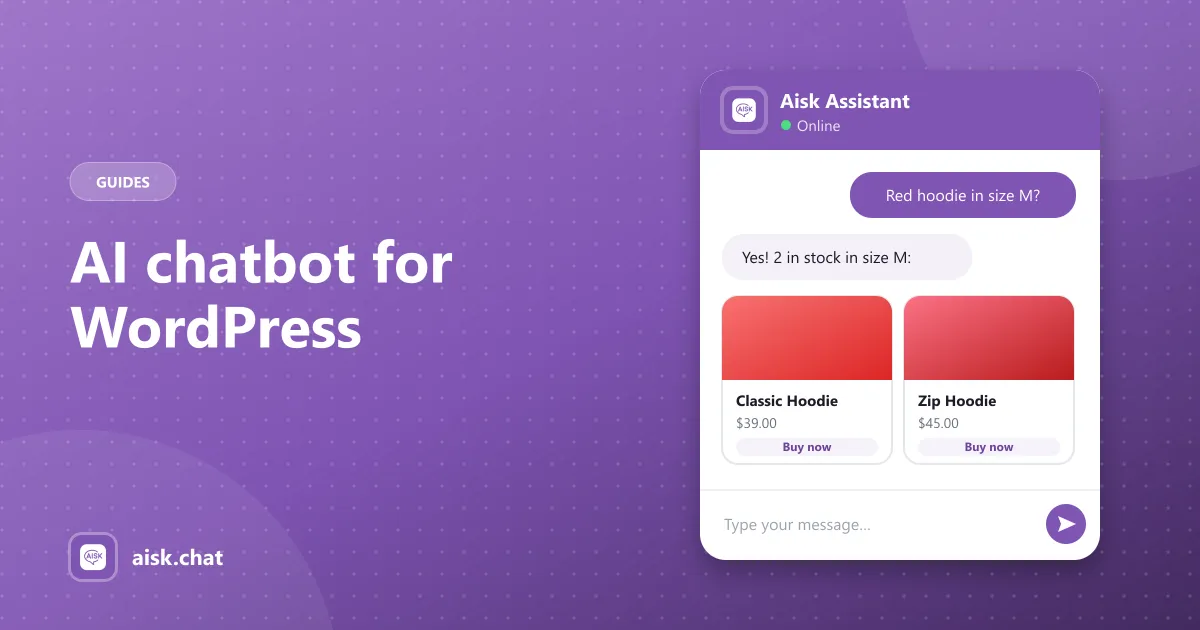
- AI product search by description, color, size and category, with product cards, prices and buy links (guide).
- Order tracking in chat using order number and email (guide).
- WhatsApp and Telegram in the same dashboard (guide).
- Support fallback — shows your support details or opens a ticket when it can’t answer.
- Analytics and lead capture included.
Limitations: OpenAI models only; no add-to-cart from inside the chat (it uses buy links); you click “Generate Embeddings” after content changes instead of automatic re-indexing.
Best for: WooCommerce stores that want a complete sales and support bot working in minutes, without a monthly subscription. Download Aisk free on WordPress.org.
2. AI Engine — best all-round AI toolkit for WordPress
AI Engine by Meow Apps (90,000+ installs) is the most popular AI plugin for WordPress: chatbots, content and image tools, AI forms and an MCP server, with support for OpenAI, Anthropic, Gemini, Mistral and more. It’s a general toolkit, though — embeddings (training on your content), function calling and statistics are Pro, and there’s no ready-made WooCommerce shopping or order flow.
Best for: sites that want many AI features and model providers in one plugin. Aisk vs AI Engine.
3. Tidio — best WordPress live chat plugin with AI on top
Tidio (70,000+ installs) is a polished live-chat and helpdesk SaaS with the Lyro AI agent. It’s strong for teams who answer chats by hand, but AI conversations are limited on the free plan and paid plans start at $29/month.
Best for: stores with a support team that wants a full hosted helpdesk. Aisk vs Tidio.
4. WPBot — feature-rich, but WooCommerce is Pro
WPBot (5,000+ installs) has a long feature list and a big add-on ecosystem. WooCommerce features, WhatsApp and Telegram need Pro, from $39 up to $189/year.
Best for: sites that want lots of conversational-form features and don’t mind a Pro license. Aisk vs WPBot.
5. MxChat — multi-model RAG chatbot
MxChat (2,000+ installs) supports several AI providers with a retrieval-based knowledge base. WooCommerce features are a paid add-on on top of Pro.
Best for: sites that want to switch between AI models. Aisk vs MxChat.
6. WoowBot — WooCommerce-focused, AI is Pro
WoowBot (1,000+ installs) is designed for WooCommerce product search, but AI, order tracking and auto-training are in the Pro version.
Best for: stores that want a scripted shopping bot and plan to buy Pro. Aisk vs WoowBot.
7. Hyve — simple content-trained chatbot
Hyve (7,000+ installs) trains on your WordPress content with a clean setup. PDFs, order status and lead forms are Pro, from $79.
Best for: content sites that want a simple knowledge-base bot. Aisk vs Hyve.
8. AI Puffer — AI content suite with chatbots
AI Puffer (10,000+ installs) is mainly an AI content-generation suite that also includes chatbots. File knowledge sources are on the paid plan.
Best for: sites that mostly need AI writing, with a chatbot as a bonus. Aisk vs AI Puffer.
9. Chatbase — hosted AI agent platform
Chatbase is a hosted AI agent you embed on any site. It’s flexible and platform-agnostic, but plans run $32–$400/month with message credits, and WooCommerce product search and order tracking aren’t part of its listed features.
Best for: businesses running the same bot across many non-WordPress platforms. Aisk vs Chatbase.
How to choose
- You run WooCommerce and want everything free: Aisk.
- You need Claude, Gemini or local models: AI Engine or MxChat.
- You have agents who answer chats by hand: Tidio.
- You’re not on WordPress: Chatbase.
Whichever you pick, test it with your five most common customer questions — including “Where is my order?” and a product search in your customers’ own words — before you put it live.
Frequently asked questions
What is the best AI chatbot for WooCommerce?
For most WooCommerce stores that want a free sales and support chatbot, Aisk is the most complete free option: it learns your pages and products, recommends products, tracks orders by order number and email, and works on WhatsApp and Telegram with no paid tier. AI Engine is better if you need many AI providers, and Tidio if you want a hosted live-chat helpdesk.
Is there a free AI chatbot for WooCommerce?
Yes. Aisk is a free WordPress plugin with every feature included and no message limits. You connect your own OpenAI API key and pay OpenAI directly for usage. You can set a monthly budget in your OpenAI account to cap spending.
Can an AI chatbot track WooCommerce orders?
Some can. Aisk tracks orders for free when the customer gives their order number and email. In WPBot, WoowBot and Hyve order status is a Pro feature, and in AI Engine and MxChat it needs paid function calling or add-ons.
Do I need an OpenAI API key for a WooCommerce chatbot?
For WordPress plugins like Aisk, AI Engine and MxChat, yes — you bring your own key and pay the AI provider directly, which is usually cheaper than a SaaS subscription. Hosted tools like Tidio and Chatbase include AI usage in a monthly plan with message limits.
What should a WooCommerce chatbot be able to do?
At minimum: answer questions from your own pages and policies, search and recommend products, and look up order status. Useful extras are WhatsApp or Telegram, handing off to a human, and analytics on what customers ask.
Aisk Team
We build Aisk, the free AI sales chatbot for WordPress and WooCommerce. Questions about this article? Ask in thesupport forum.