On this page
In a good shop, a sales associate asks what you’re looking for, shows you two or three options, and answers “Will this fit?” before you have to go looking. Most online stores offer a search box and a filter sidebar instead.
An AI shopping assistant brings the associate back — in a chat window, for every shopper, at any hour.
What an AI shopping assistant does
- Understands intent. “A gift for my dad who likes gardening, under $50” is a perfectly good search.
- Finds matching products by description, color, size and category, not just exact keywords.
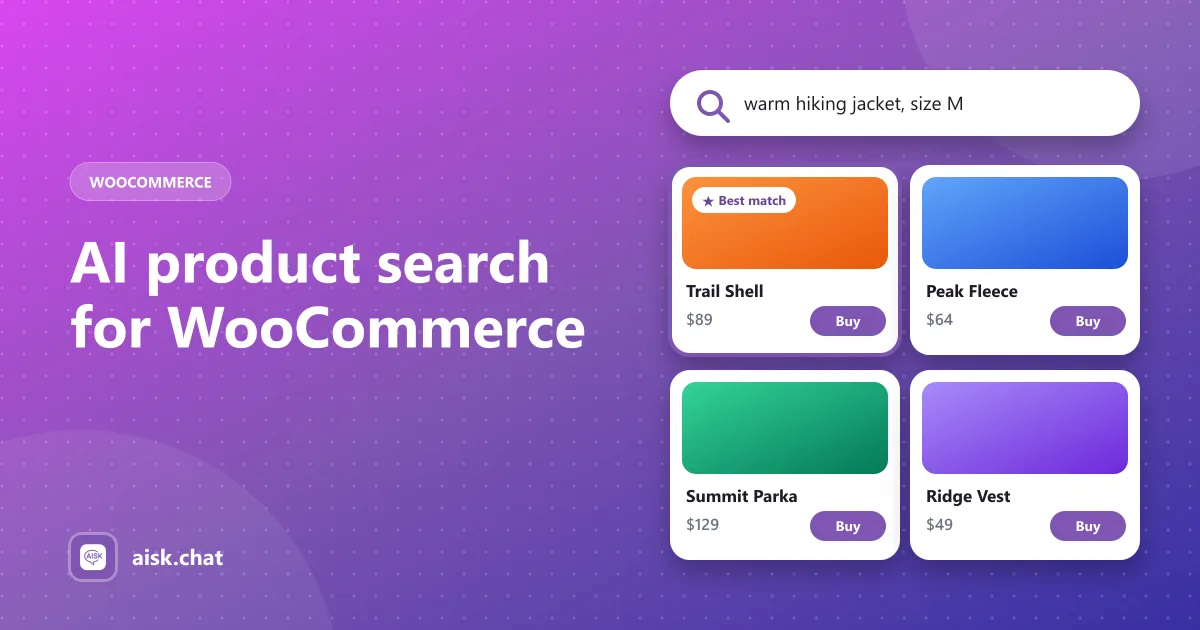
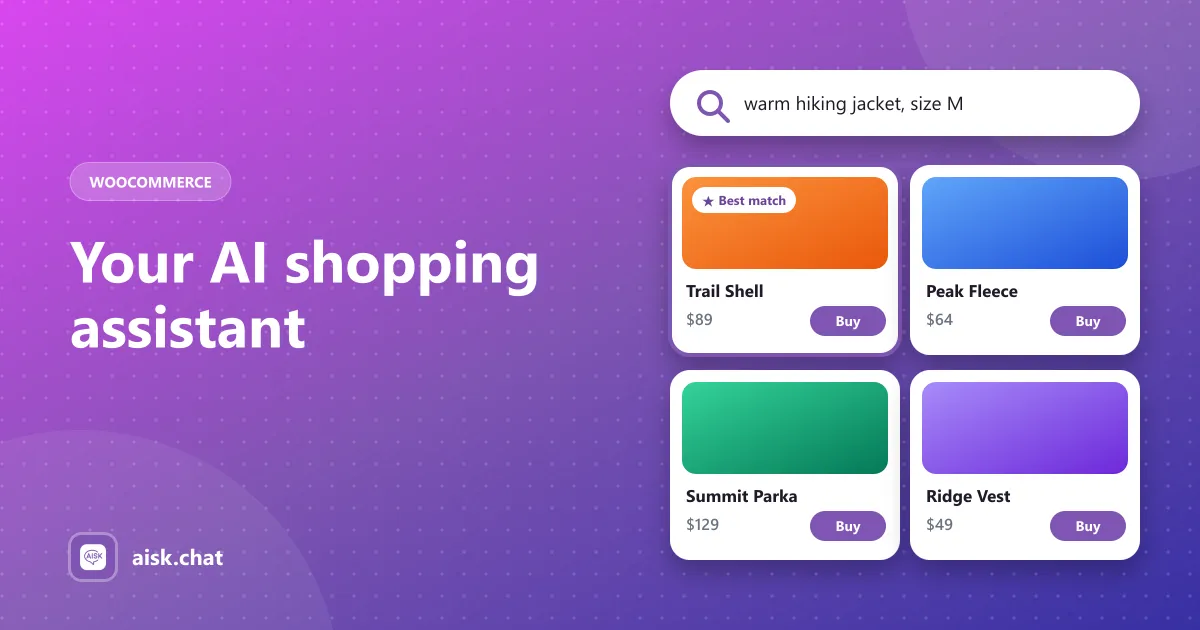
- Shows products visually — cards with image, price and a buy link.
- Refines in conversation. “Anything in black?” “Something cheaper?” — it keeps the context.
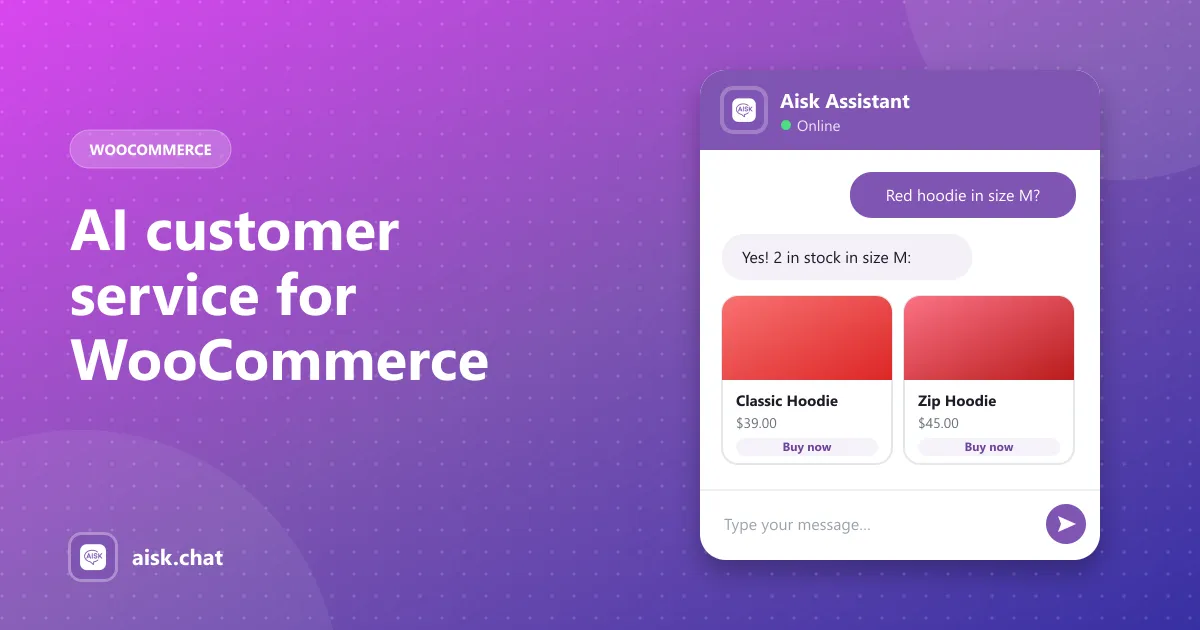
- Answers pre-sale questions — sizing, materials, shipping time, returns — from your own content.
- Replies in the shopper’s language, with the right currency.
Why search boxes lose sales
Store search matches words. If your product is called “Alpine Softshell” and the shopper types “warm jacket for hiking,” keyword search may return nothing — and an empty results page is often where the visit ends.
An AI shopping assistant matches meaning, so the shopper sees the softshell anyway. It also catches the hesitation that happens on the product page: a quick question about fit or delivery, answered while the item is still in front of them.
How Aisk works as a WooCommerce shopping assistant
Aisk is a free WordPress plugin. With the WooCommerce integration on, it:
- Learns your products — titles, descriptions, attributes, prices and stock — through Generate Embeddings.
- Searches the catalog by description, color, size and category when a shopper asks.
- Returns product cards with images, prices and buy links.
- Answers follow-ups from your pages, FAQs, PDFs (size guides!) and policies.
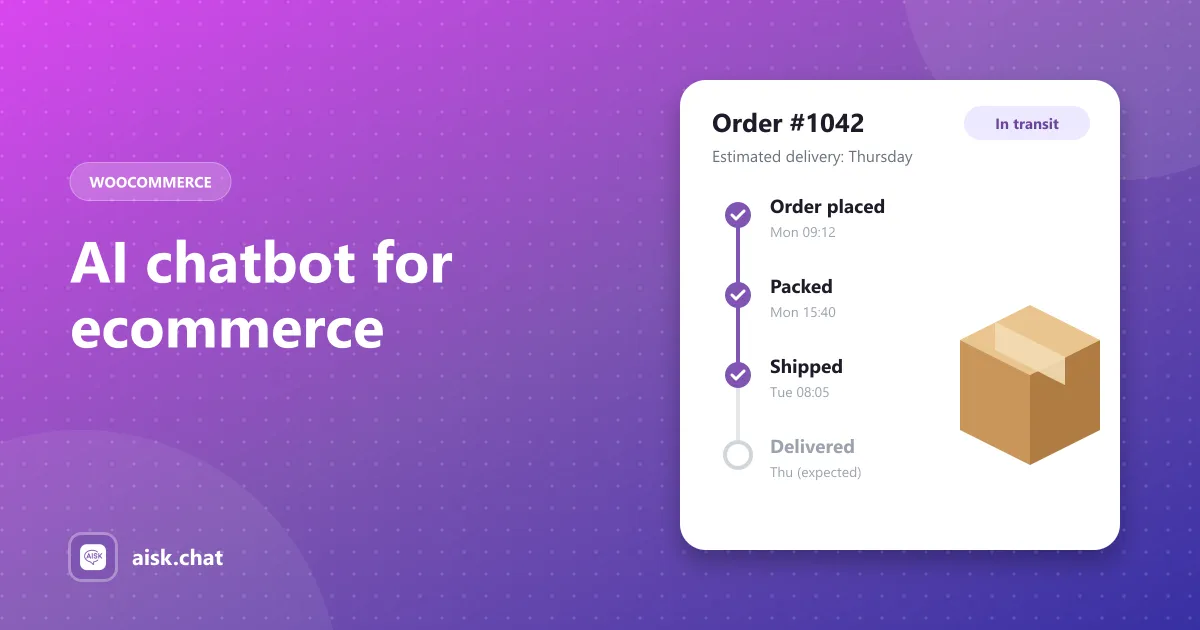
- Tracks orders after the sale, so the same assistant handles post-purchase questions too.
It also works on WhatsApp and Telegram, where the Telegram bot shows product carousels. More detail: AI product search and recommendations.
Make your catalog assistant-friendly
The assistant can only recommend what it understands. Before launch:
- Write real product descriptions — materials, fit, use cases, who it’s for.
- Set attributes consistently — every variable product should have color and size.
- Name categories the way customers think (“Rain jackets”, not “Outerwear-B”).
- Upload size guides and care instructions as PDFs or custom text.
- Regenerate embeddings after adding or changing products.
What it doesn’t do
Honest limits: Aisk uses buy links rather than adding to the cart inside the chat, and it doesn’t run abandoned-cart recovery. If those are must-haves, compare options in our AI WooCommerce chatbot comparison.
Try it
Install Aisk free from WordPress.org and follow the 5-minute setup. Then ask it for a product the way your customers would — not the way you named it.
Frequently asked questions
What is an AI shopping assistant?
It is an AI chat helper on an online store that acts like a knowledgeable sales associate: it understands what the shopper is looking for, recommends matching products, and answers questions that would otherwise stop the purchase.
How do I add an AI shopping assistant to WooCommerce?
Install the free Aisk plugin, add your OpenAI API key, click Generate Embeddings and enable the WooCommerce integration. Shoppers can then describe what they want in the chat and get product cards with prices and buy links.
Can an AI shopping assistant recommend products in other languages?
Yes. Since version 2.7, Aisk's product search replies match the language the customer writes in, with the correct currency symbol.
Can the shopping assistant add products to the cart?
Aisk shows each product with a buy link that takes the shopper straight to the product, rather than adding to the cart inside the chat.
Aisk Team
We build Aisk, the free AI sales chatbot for WordPress and WooCommerce. Questions about this article? Ask in thesupport forum.