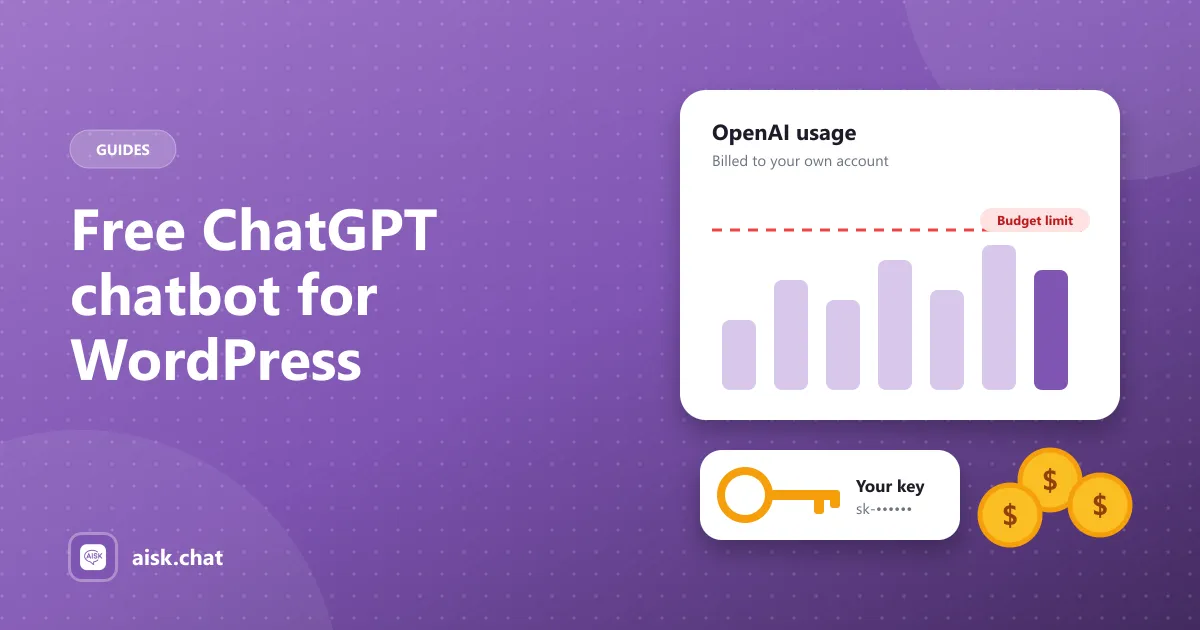
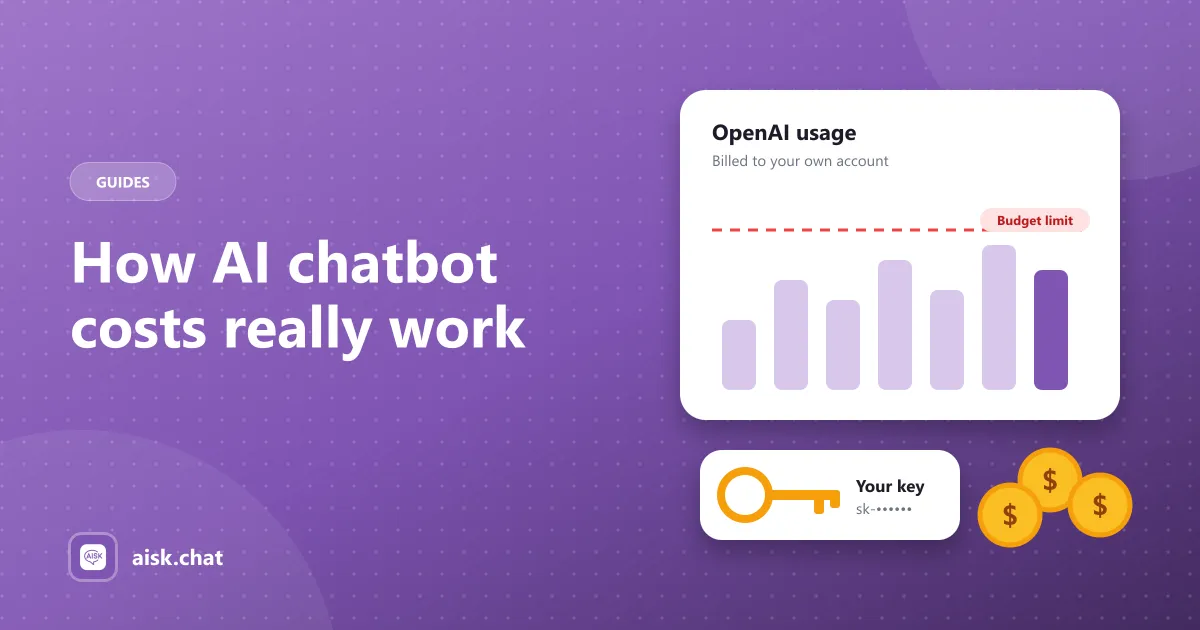
What a free ChatGPT chatbot plugin for WordPress really is — the OpenAI API, not a ChatGPT subscription — what is free, what costs money, and how to set one up.
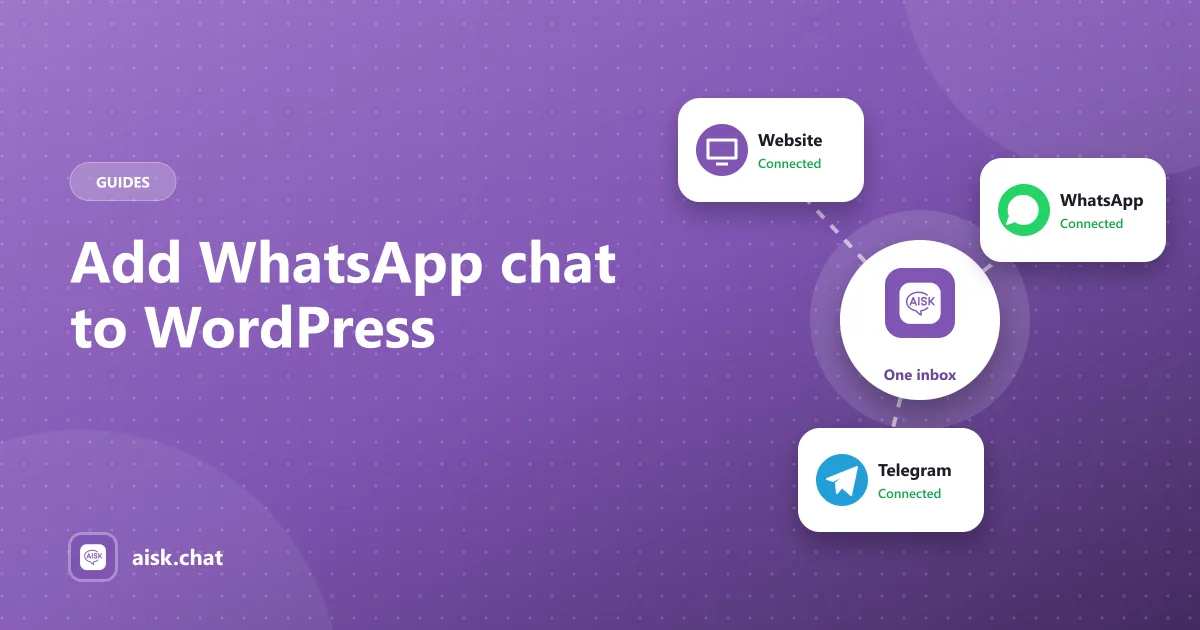
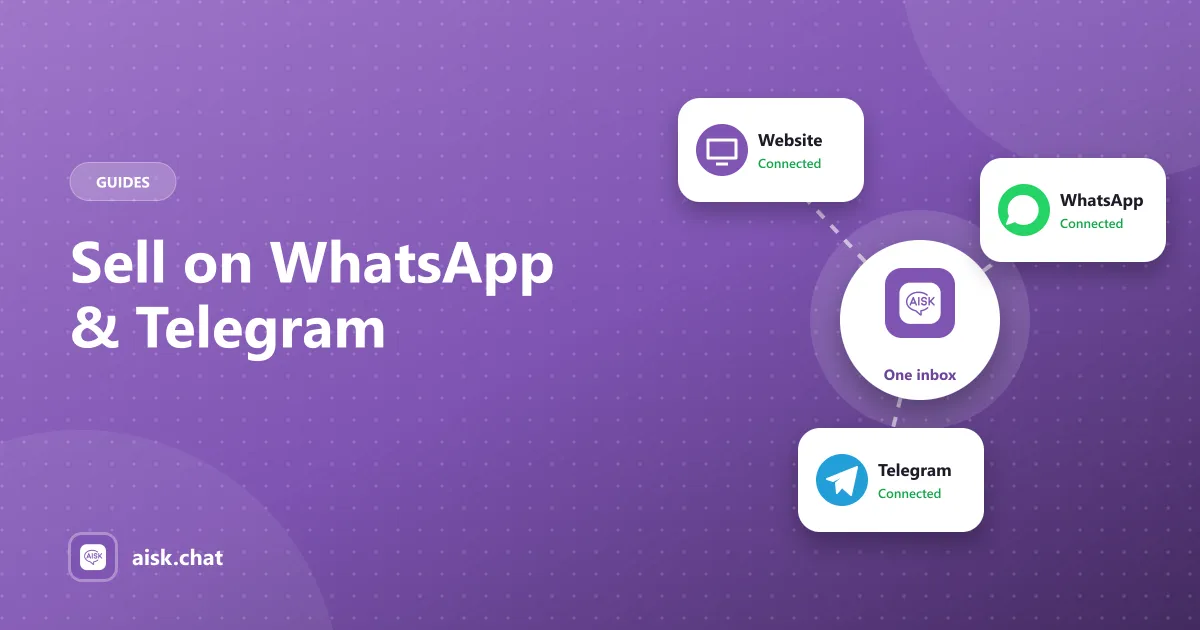
Three ways to add WhatsApp chat to WordPress: a click-to-chat button, a live chat plugin, or an AI WhatsApp chatbot. Step-by-step setup for the AI option.
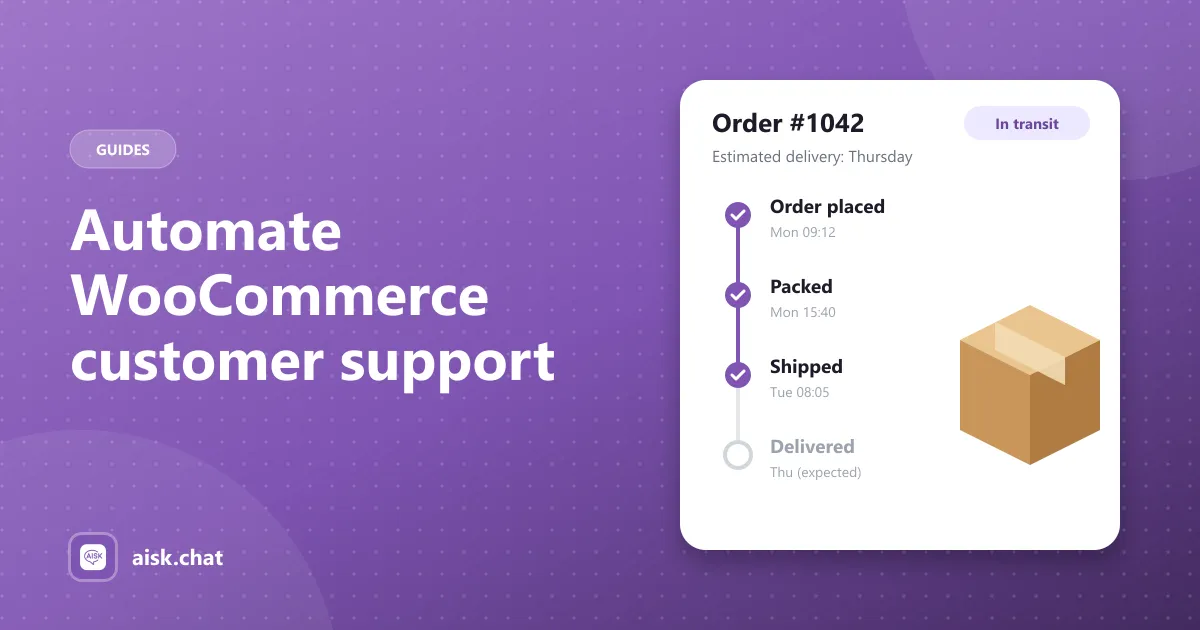
A step-by-step workflow to automate WooCommerce customer support: audit the inbox, map common questions, set up the chatbot and knowledge base, turn on order tracking, add tickets and review analytics.
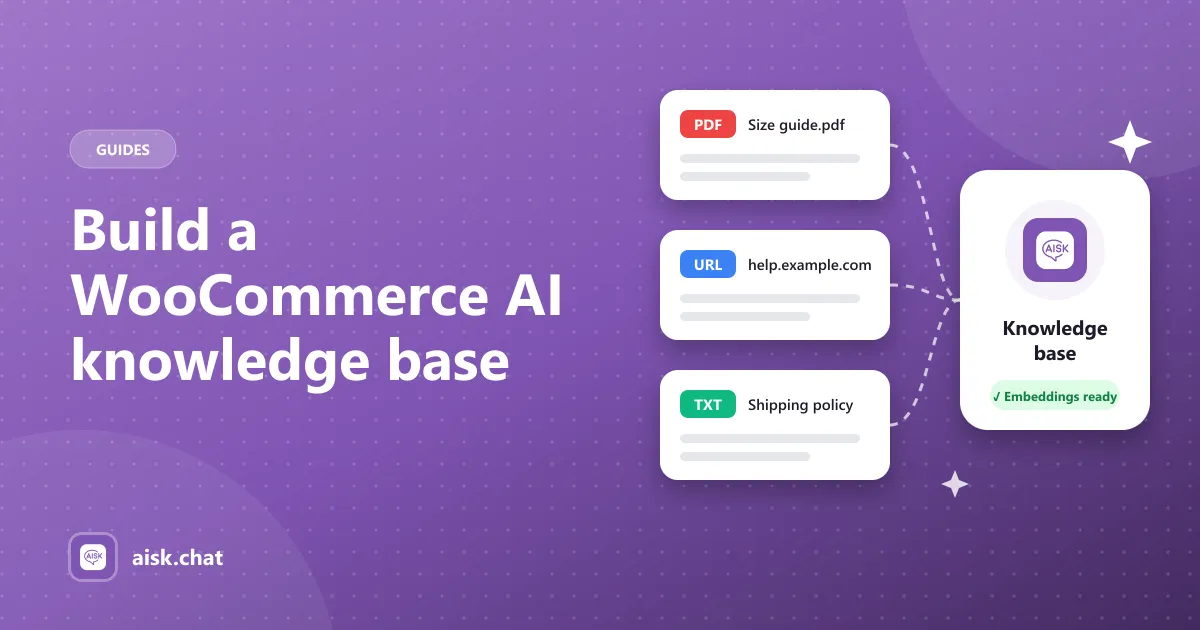
Build an AI chatbot knowledge base for WooCommerce: which shipping, returns, sizing and FAQ content to add, how to structure it, keep it current and test answers.
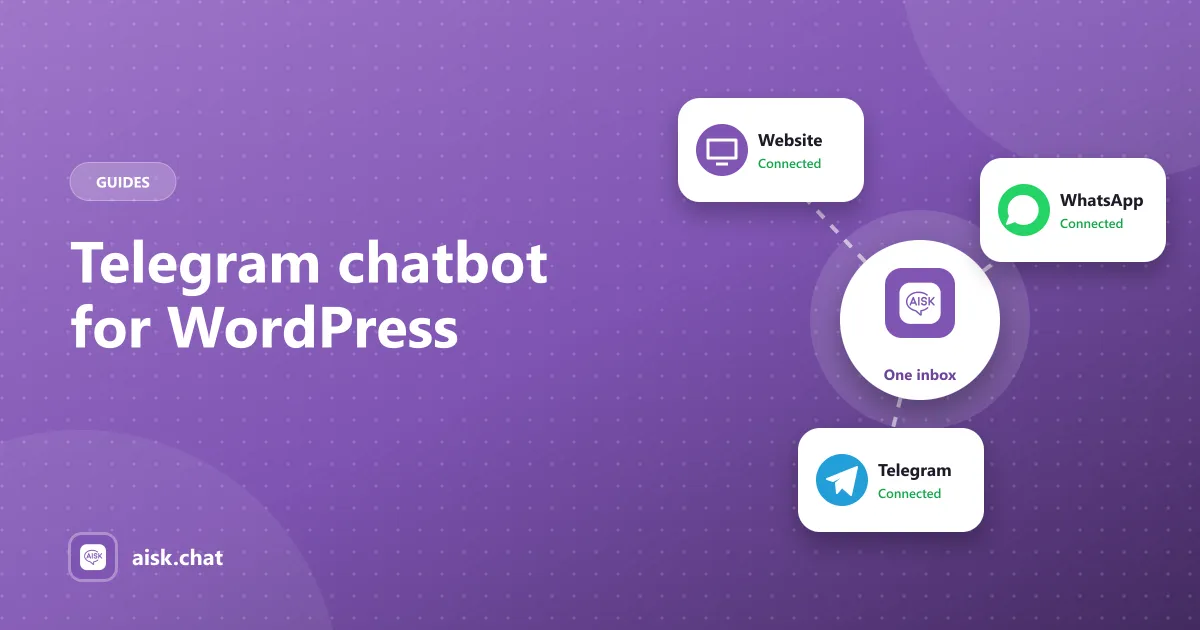
Set up a Telegram chatbot for WordPress with BotFather, product carousels and order tracking, using the same knowledge base as your website and WhatsApp.
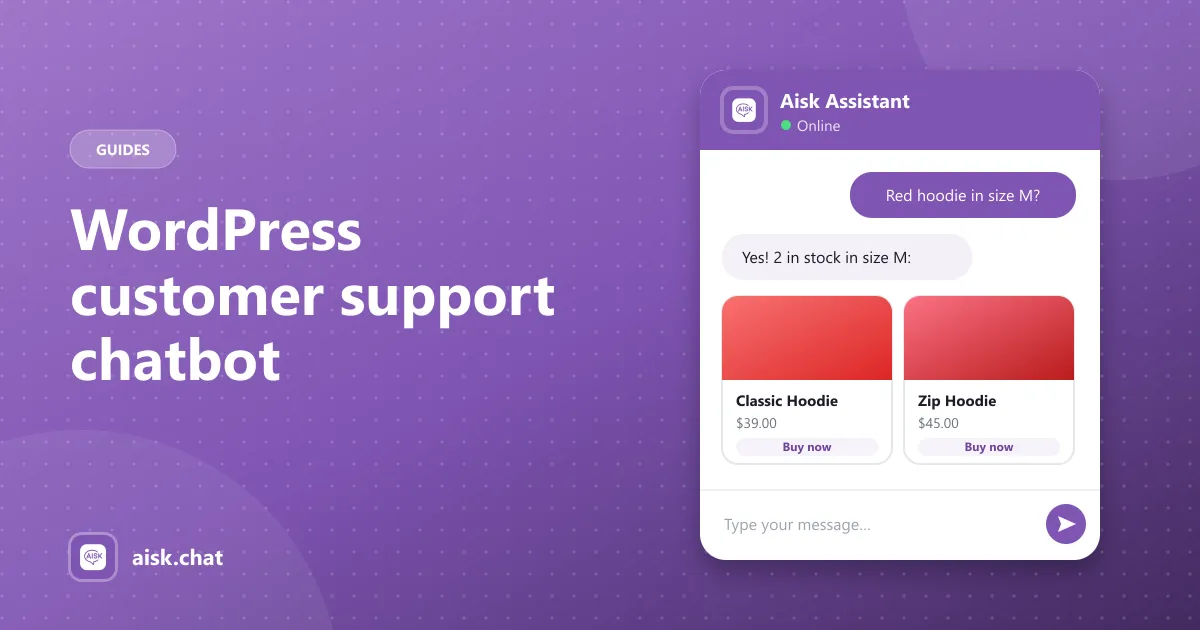
How a WordPress customer support chatbot automates repetitive questions on any site — not only stores — with human handoff, tickets and multilingual replies.
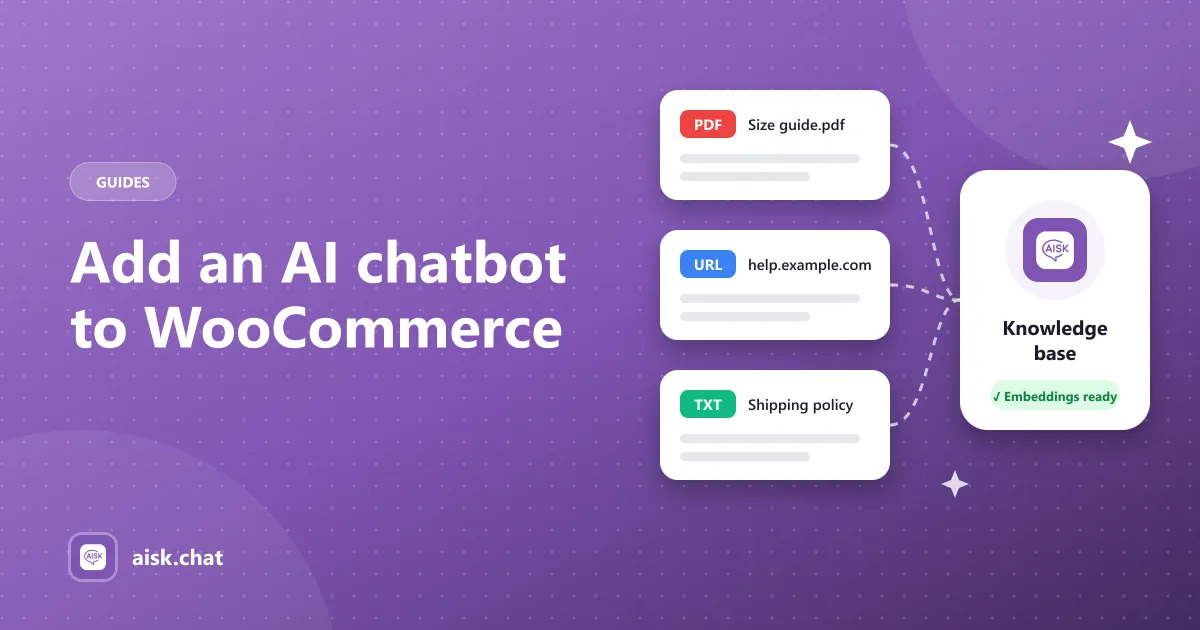
Add an AI chatbot to your WooCommerce store in about five minutes: install a free plugin, connect OpenAI, train it on your products and pages, and test it with real customer questions.
A small business AI chatbot answers customer questions around the clock without hiring support staff. What it can handle, what it costs, and how to add a free website chatbot to WordPress.
How an AI chatbot for sales and lead generation works on a WordPress or WooCommerce site: answer buying questions, recommend products, and capture contact details when a visitor needs a follow-up.
An honest comparison of AI chatbots for WooCommerce stores on WordPress — Aisk, AI Engine, Tidio, WPBot, MxChat, WoowBot, Hyve, AI Puffer and Chatbase — with pricing and which WooCommerce features are free.
How to choose a WordPress AI chatbot plugin and add a virtual assistant that answers from your own pages, products and PDFs — plus how AI chatbots differ from WordPress live chat plugins.
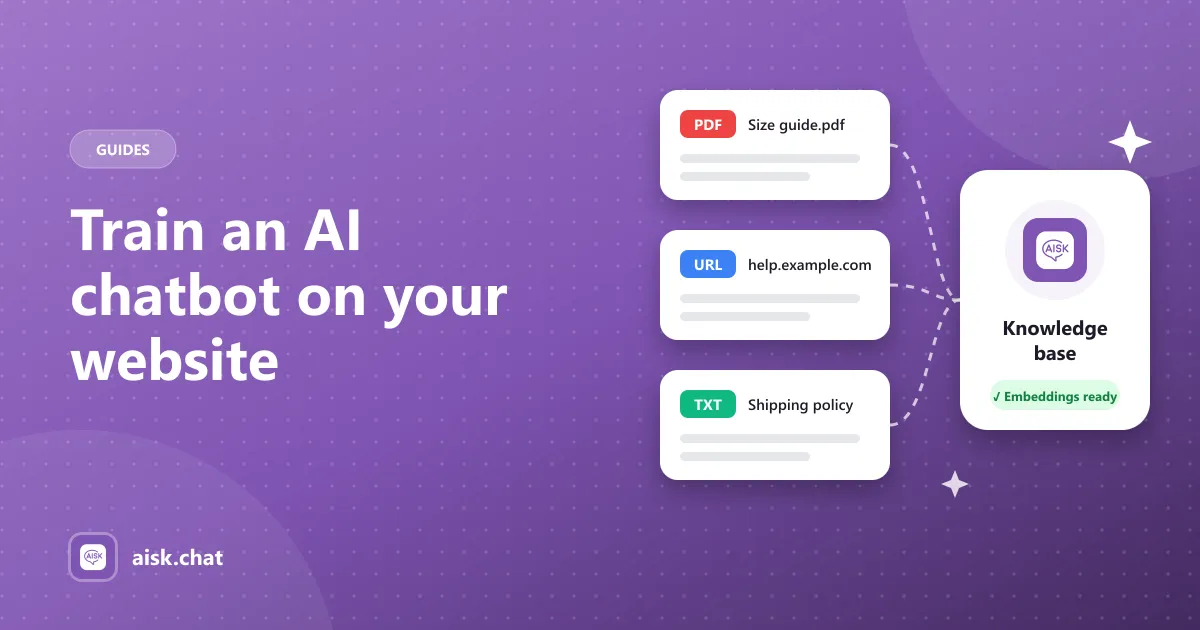
A practical guide to building a knowledge base for Aisk with embeddings, PDFs, external URLs and custom text — and keeping it accurate over time.
What you’ll learn in our guides
Our guides walk you through Aisk from first install to a chatbot that answers customers accurately every day. Each one is written for WordPress site owners, not developers: you get the exact settings to open, what each option does and how to check the result.
Most guides focus on the knowledge base, because answer quality depends on it. Aisk learns your site with embeddings: it splits your pages, posts, products and FAQs into passages and retrieves the closest ones for every question. Clear source content and regular re-indexing matter more than any prompt tweak.
If you are just getting started, read the setup guide in the documentation first, then come back here for deeper topics such as cost control and training the bot on PDFs and external URLs.
Topics covered
Install Aisk and connect your OpenAI API key
Generate embeddings and add PDFs, URLs and custom text
Test answers with real customer questions and fix gaps