Release notes1 min read
Aisk 2.7: Italian, language-matched replies and a better chat widget
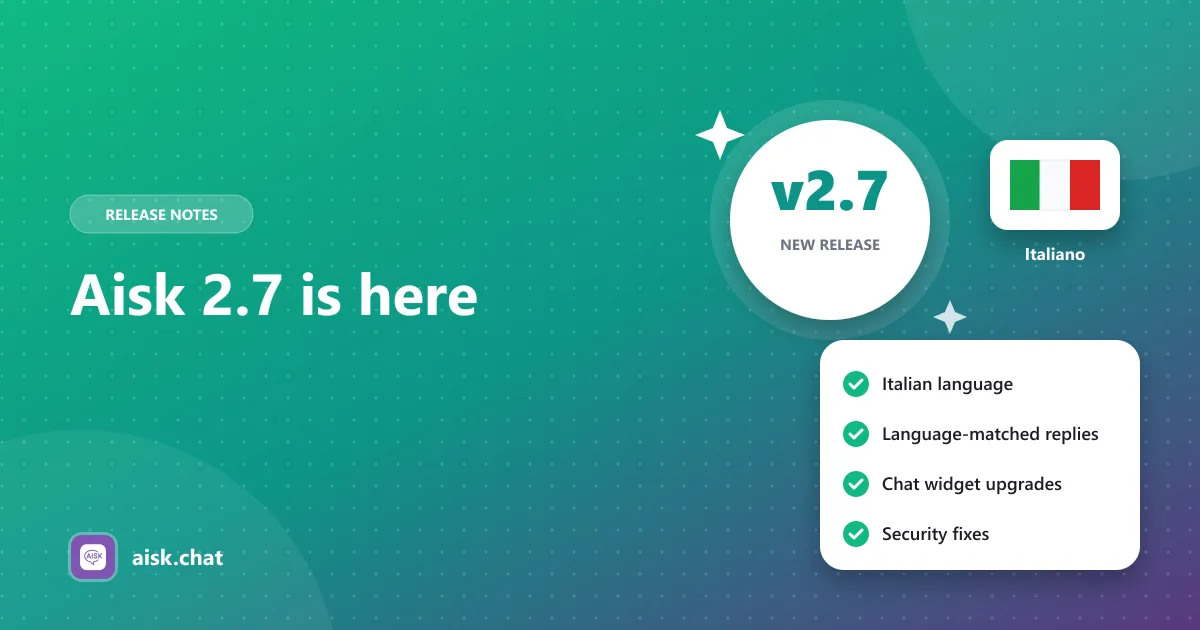
Aisk 2.7 adds Italian language support, replies in the customer's language, chat widget improvements, PDF and URL processing fixes and security fixes.
What’s new in each Aisk release: new features, improvements and fixes.
1 article
Aisk 2.7 adds Italian language support, replies in the customer's language, chat widget improvements, PDF and URL processing fixes and security fixes.
Release notes explain what changed in each version of Aisk in plain language: new features, improvements, bug fixes and security fixes, plus anything you should check after updating. They complement the shorter changelog, which lists the highlights of every version on one page.
Aisk updates are free and delivered through WordPress.org, so you can install them from Dashboard → Updates or the Plugins screen like any other plugin. We recommend keeping Aisk up to date, since releases regularly include security fixes and compatibility updates for new WordPress and WooCommerce versions.
After a major update, it is a good idea to open the Aisk settings, confirm your integrations are still connected and send a few test questions to the chat widget.
New to Aisk? Start with the setup guide.
Aisk is free on WordPress.org — install it, add your OpenAI key and your store has an AI assistant in minutes.