On this page
An AI chatbot with a knowledge base is only as good as what you put in it. For a WooCommerce store that means more than “index the whole site”. Shipping rules, return deadlines, size charts and warranty PDFs are the answers customers already want. If they are missing or vague, the bot will hedge — or worse, sound sure.
This is the store-owner version of how to train an AI chatbot on your website. That post explains embeddings. This one is a shopping list: what to add, how to write it, and how to know the knowledge base is ready.
What a knowledge base is (and is not)
In Aisk the knowledge base is:
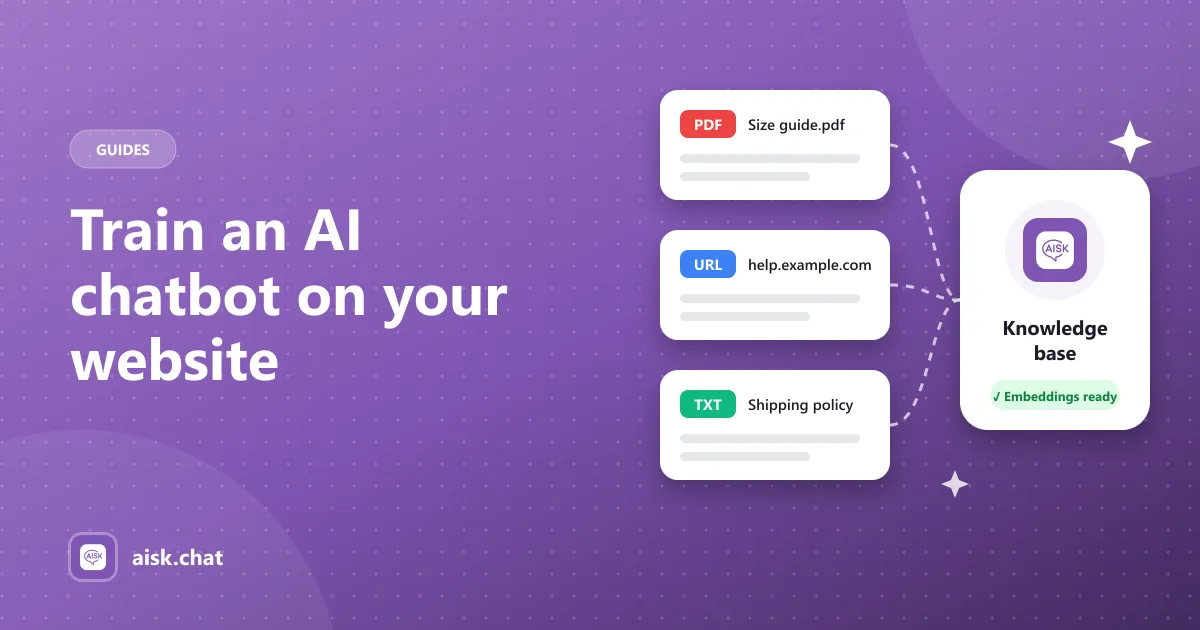
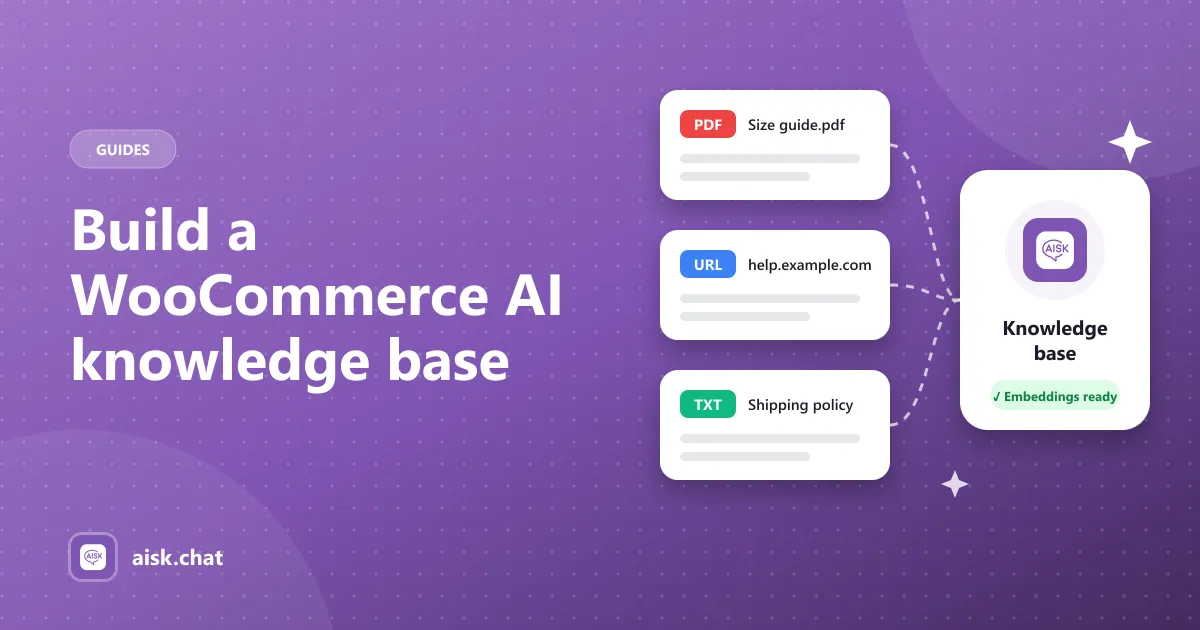
- Selected pages, posts and WooCommerce products, turned into embeddings
- External knowledge — PDFs, documents, URLs, custom text
- At answer time, the closest passages to the question, plus live catalog and order data when those integrations apply
It is not a fine-tuned copy of ChatGPT, not a dump of your entire media library, and not a second copy of your theme. You do not upload “the brand voice”. You write facts the way you want them said.
What to add first
Start from last month’s support inbox, not from your navigation menu.
Policies (custom text or a dedicated page)
- Countries you ship to, and which you do not
- Delivery estimates by method and region
- Return window, condition of goods, who pays return postage
- How to start an exchange
- Warranty length and what voids it
Write numbers. “Returns within 30 days of delivery, unused, tags on, buyer pays return postage unless we shipped the wrong item” is usable. “Hassle-free returns” is not.
Sizing and fit
- Size charts as PDFs
- How the brand fits (small, true to size)
- What measurements you need from the customer
Products
- Descriptions that mention materials, use, care and compatibility
- Consistent color and size attributes
- Categories that match how people shop
Product recommendation chatbot covers why attributes matter for selling. They matter for support too: “is this machine-washable?” is a knowledge-base question.
Operations
- How to track an order (the bot can also look the order up when they give number + email)
- Payment methods, taxes, VAT notes
- Holiday cutoff dates — take these down when the holiday ends
Skip or exclude
- “About the founder” essays
- Old sale landing pages
- Duplicate policy pages that disagree
- Draft products and internal notes
A smaller, consistent set beats indexing everything.
How to structure it so retrieval works
Embeddings match meaning, not menus. Still, structure helps:
- One topic per page or custom-text block. Do not bury the return window in a 3,000-word brand story.
- Put the answer in a sentence, then the extra detail. The bot needs a line it can quote.
- Use the customer’s words as headings: “Do you ship to Canada?” is a better heading than “International logistics”.
- Keep PDFs readable. Scanned image-only catalogs are weaker than a real text PDF.
- Do not maintain two conflicting sources. If the shipping page says 5 days and custom text says 3, pick one.
Build it in Aisk
- Install Aisk from WordPress.org and add your OpenAI key. Embeddings are billed by OpenAI when you generate them, not on every page view. Costs.
- In Settings → Aisk, choose content types. Exclude specific posts or pages that should never be quoted.
- Click Generate Embeddings. Wait until it finishes.
- Open External Knowledge. Add the PDFs and the short policy blocks you wrote above.
- Enable the WooCommerce integration so product and order questions can use live data, not only prose.
Setup context: how to add an AI chatbot to WooCommerce. Reference: docs. What the product includes: features.
Test like a customer, not like an author
Open a private window and ask the messy versions:
- “do u ship to canada and how long”
- “I bought this last month can I send it back”
- “will the medium fit if I’m usually a 10”
- a product described by use, not title
- a real test order number and email
- a question you have not documented
(6) should hit your fallback — support details or a ticket — not a guess. If (1)–(5) fail, fix the source content and regenerate. Do not try to prompt-engineer around a missing policy.
Ask a second person to run the same list without watching you. Authors hear the page they wrote; customers do not. If they get a different answer than you do, the page is still too vague.
Keep it current
Regenerate embeddings when you:
- Add or discontinue products
- Change prices in a way you also describe in text
- Update shipping or return rules
- Pass a holiday cutoff date
Treat it like clearing a cache after a content edit. Check tickets and analytics weekly: every unanswered question is a paragraph to add. That loop is also how you automate WooCommerce customer support without pretending the bot is done on day one.
Frequently asked questions
What is an AI chatbot knowledge base?
It is the collection of your own content the chatbot searches before it writes a reply — WordPress pages, product data, PDFs, external URLs and short custom text. Aisk turns those passages into embeddings so answers stay grounded in your store.
What should go in a WooCommerce knowledge base?
Shipping countries and times, return and exchange rules, sizing and fit, warranty PDFs, payment and tax notes, and the product descriptions customers already quote back to you. Skip thin marketing pages and outdated announcements.
How do I add a knowledge base to a WooCommerce chatbot?
In Aisk, pick the pages, posts and products to include, click Generate Embeddings, then add PDFs, URLs and custom text under External Knowledge. Test with real customer questions and regenerate after any policy or catalog change.
Does Aisk fine-tune ChatGPT on my store?
No. It uses embeddings: your content is split into passages, converted to vectors, and the closest passages are sent with each question. Updating the knowledge base is a regenerate click, not a training job.
Aisk Team
We build Aisk, the free AI sales chatbot for WordPress and WooCommerce. Questions about this article? Ask in thesupport forum.