On this page
Most WordPress support is the same ten questions in a new font. Hours, pricing, how to book, where to park, how to reset an account, whether you offer refunds. Those answers already live on your site. A WordPress customer support chatbot is there so visitors do not have to hunt — and so you do not have to type them again at 10 pm.
This is not a WooCommerce-only job. Stores get AI customer service for WooCommerce. Everyone else — agencies, clinics, courses, memberships, local businesses — needs the same pattern: automate the repeats, hand off the rest.
Support chatbot vs live chat
| Live chat plugin | Support chatbot | |
|---|---|---|
| Who replies | A person | AI, from your content |
| When | Staff hours | 24/7 |
| Best at | Messy, high-stakes cases | Repeated, documented questions |
| Failure mode | Slow reply, missed chat | Confident wrong answer |
Use both if you have staff: the bot first, a person when the visitor asks or the bot is unsure. Aisk shows your support details or opens a ticket. It is not a full helpdesk with collision detection and canned-reply libraries. If that is the product you want, compare hosted live chat under alternatives.
For the plugin-vs-virtual-assistant framing, see AI chatbot for WordPress.
Which questions to automate
Good for the bot
- Opening hours, address, parking, “are you open on holidays?”
- Service or pricing questions that already have a page
- How-to steps from your docs or course FAQs
- Booking or contact process (“email this address, here’s the form”)
- Shipping, returns and sizing — if you also run WooCommerce
- “Where is my order?” with order number and email
Keep for humans
- Complaints, refunds, exceptions
- Anything involving payment details or passwords
- Medical, legal or financial advice
- Visitors who say “I want a person”
Write the first list down from last month’s inbox before you install anything. If a question is not on a page, the bot cannot learn it. Put it on a page or in custom text, then generate embeddings.
How Aisk answers
Three sources, in practice:
- Your WordPress content — pages, posts, FAQs via Generate Embeddings, plus PDFs, external URLs and custom text. Training guide.
- Your catalog, if WooCommerce is on — products, prices, attributes, stock.
- Your orders, if the customer provides the order number and matching email.
Replies are grounded in those passages. The model is not fine-tuned on your brand voice. Clear sentences on the page beat clever prompt settings.
Since 2.7, replies follow the language the customer writes in. That matters for support: a visitor who asks in Italian should not get an English policy dump.
Human handoff that does not trap people
Set the fallback before you announce the widget.
- Add support email, phone or hours in Settings → Aisk.
- Enable support tickets so the visitor can leave a question and contact details.
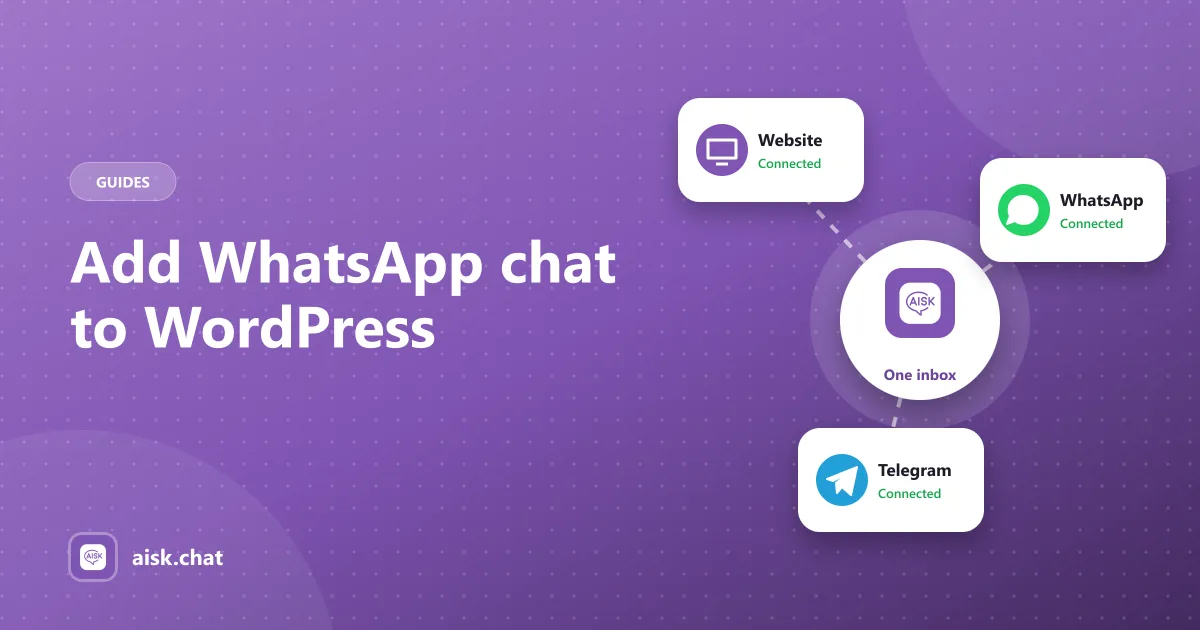
- Tickets from the website, WhatsApp and Telegram all land in one dashboard.
Test the “I need a person” path yourself. If the bot keeps answering around the request, tighten the fallback text and make your contact details obvious.
Channels besides the website
A support chatbot on the site only helps people who are already on the site. The same Aisk assistant can answer on WhatsApp (Twilio) and Telegram (@BotFather) with the same knowledge base.
Mention those processors in your privacy policy. Privacy.
Short setup
- Install Aisk from WordPress.org.
- Paste an OpenAI key and set a monthly budget. Costs.
- Choose which pages to index. Exclude drafts, old announcements and legal pages you do not want quoted out of context.
- Add the answers you type most often as an FAQ page or custom text.
- Generate embeddings.
- Configure support details and tickets.
- Brand the widget and write welcome messages that name real topics: “Ask about hours, pricing or how to book.”
- Test five real inbox questions plus one the site should not know.
More setup detail: docs. What the plugin includes: features.
Write answers the bot can repeat
Support chatbots fail on vibe and succeed on sentences.
- Put the answer in the first line of the section, then the extra detail.
- Use the customer’s wording as a heading: “Are you open on Sundays?” beats “Retail calendar”.
- One policy, one page. Two return windows in two places will both get quoted.
- Exclude legal pages you do not want summarized out of context.
If you also sell with WooCommerce, the store-specific shopping list is how to create a WooCommerce AI knowledge base.
Keep support quality from drifting
Check analytics weekly. Unanswered questions are missing pages. Wrong answers are usually vague pages — “we offer flexible returns” instead of “returns within 30 days of delivery, unused, with the receipt”.
Regenerate embeddings when you change a policy. A support chatbot that quotes last year’s hours is worse than a contact form.
Frequently asked questions
What is a WordPress customer support chatbot?
It is an AI chatbot plugin that answers visitor questions from your WordPress content — pages, posts, FAQs and documents — around the clock, and passes anything it cannot answer to your team. It is not the same as a live chat plugin, which waits for a person to type.
Do I need WooCommerce for a support chatbot?
No. Aisk trains on pages, posts, PDFs and custom text on any WordPress site. WooCommerce only adds product search and order tracking if you sell online.
How does the chatbot hand off to a human?
When Aisk cannot find an answer, it shows the support email or phone you configured, or lets the visitor open a support ticket from the website, WhatsApp or Telegram. Tickets appear in the Aisk dashboard.
Can a WordPress support chatbot reply in other languages?
Since version 2.7, Aisk matches the language the visitor writes in. Product-search replies also use the correct currency symbol when WooCommerce is active.
Aisk Team
We build Aisk, the free AI sales chatbot for WordPress and WooCommerce. Questions about this article? Ask in thesupport forum.