On this page
Search free ChatGPT chatbot plugin for WordPress and you will land on three different products wearing the same words: the ChatGPT website, a hosted bot with a “ChatGPT” badge, and a WordPress plugin that calls the OpenAI API. Only the last one is something you install on your site.
This post separates those, then sets up the plugin option with Aisk. If you run a store and care about WooCommerce pricing specifically, read free AI chatbot for WooCommerce next.
ChatGPT the app vs ChatGPT the API
| ChatGPT (chat.openai.com) | OpenAI API (platform.openai.com) | |
|---|---|---|
| What it is | A website / app you type into | A key other software can call |
| Typical plan | Free tier or Plus | Pay per token |
| On your WordPress site | No — visitors are not in your account | Yes — the plugin sends prompts |
| Uses your Plus history | That’s your personal chats | Separate, empty unless you send data |
A WordPress plugin cannot “log into your ChatGPT Plus and put it in the corner of the theme”. If a listing implies that, it is mixing product names. Aisk asks for an API key. Replies come from OpenAI models billed on that key, grounded in your pages via embeddings — not from a ChatGPT thread you had last night.
The three kinds of “free ChatGPT plugin”
- Free plan, message caps. Hosted tools include a handful of AI chats, then stop or upsell. Busy months die first.
- Free plugin, paid brain. The widget is free; training on your site, WooCommerce, or removing branding is Pro.
- Free plugin, bring your own key. Every feature ships. You pay OpenAI for usage. No markup from the plugin.
Aisk is the third. There is no Pro SKU. Features.
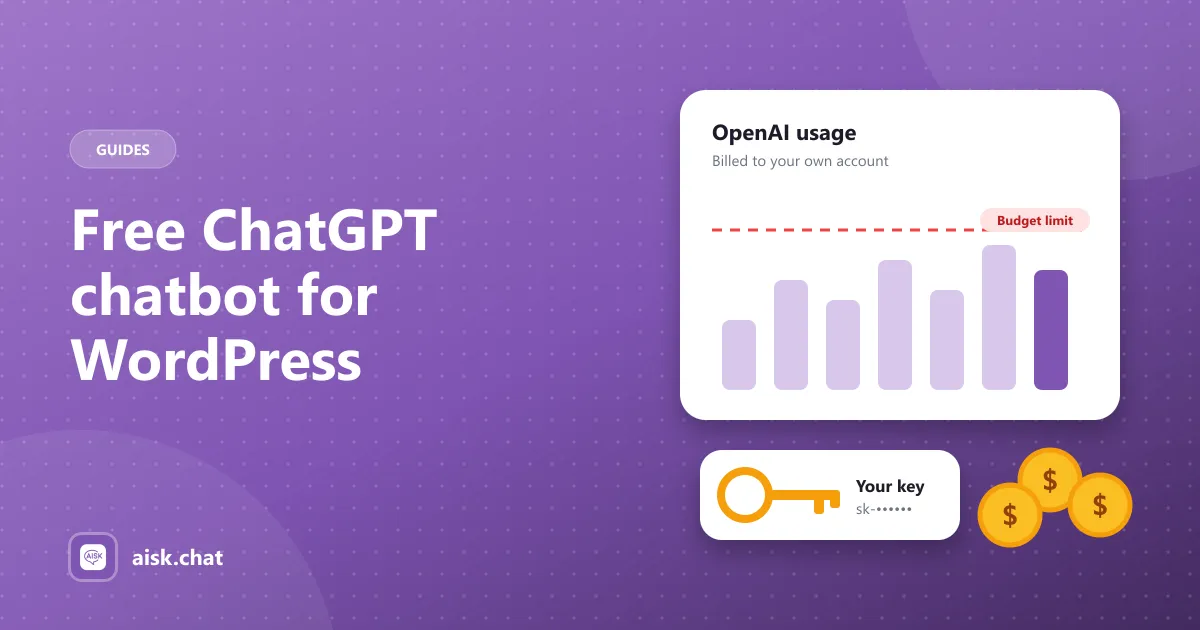
That still is not “zero cost”. Models cost money. The honest sentence is: the plugin is free; the API usage is yours. Full breakdown: bring your own OpenAI key.
What you pay OpenAI for
- Embeddings — when you click Generate Embeddings or add PDFs, URLs and custom text. Happens when content changes.
- Replies — each visitor message.
Set a monthly budget in OpenAI billing before you paste the key into WordPress. That is your hard cap. Current rates live on OpenAI’s pricing page.
Keep the key private. Anyone who has it can spend on your account.
What Aisk does with that key
On any WordPress site:
- Builds a knowledge base from pages, posts, FAQs, PDFs, URLs and custom text
- Shows a branded chat widget
- Opens tickets or shows support details when it cannot answer
- Works on WhatsApp (Twilio) and Telegram with the same brain
If WooCommerce is active:
- Product search and recommendation cards
- Order tracking by order number and email
It does not add to cart inside the chat, and it does not use models other than OpenAI. Those limits are intentional. Compare other plugins in best AI chatbots for WordPress and WooCommerce or alternatives.
Short setup
- In WordPress: Plugins → Add New → search Aisk → install and activate. Or get the zip from WordPress.org.
- Sign in at platform.openai.com. Add a payment method and a usage limit. Create a key.
- Paste the key in Settings → Aisk.
- Click Generate Embeddings.
- Add the answers your inbox already repeats as custom text or a tight FAQ page. Knowledge base for WooCommerce if you sell; train on your website for everyone else.
- Set fallback contact details and tickets.
- Test in a private window: a question your site can answer, a question it cannot, and — if you sell — a product search and a test order.
More install detail: add an AI chatbot to WooCommerce or AI chatbot for WordPress. Reference: docs.
What other “ChatGPT” plugins usually charge for
Listings on WordPress.org use the word ChatGPT for anything that calls OpenAI. Before you install three of them, check whether the free version includes:
- Training on your own pages (not a generic model with no site context)
- PDFs and custom text
- WooCommerce product search and order lookup
- A channel besides the website widget
- Analytics without a Pro upgrade
Aisk includes those with no paid tier. Others may be a better fit if you need many model providers — that is AI Engine territory, not a ChatGPT subscription.
When a “ChatGPT plugin” is the wrong tool
Stay on a hosted ChatGPT-style app, or a live-chat helpdesk, if you:
- refuse to manage an API key
- need Claude, Gemini or a local model
- want agents typing in a shared inbox all day
- need add-to-cart and abandoned-cart campaigns inside the widget
Those are fine needs. They are not what a free bring-your-own-key plugin is for.
Privacy, briefly
Visitor messages and retrieved site passages go to OpenAI to generate the reply. WhatsApp and Telegram add Twilio and Telegram’s Bot API. List them in your privacy policy. Ours.
A free ChatGPT chatbot plugin is a useful search phrase. The useful install is simpler: a WordPress plugin, your OpenAI key, your content, a budget you chose.
Frequently asked questions
Is there a free ChatGPT chatbot plugin for WordPress?
Yes. Aisk is free on WordPress.org with every feature included. You paste your own OpenAI API key. There is no plugin subscription and no message cap; OpenAI bills usage at their published rates.
Do I need a ChatGPT Plus subscription for a WordPress chatbot?
No. ChatGPT Plus is a consumer chat app. WordPress plugins call the OpenAI API with a separate key from platform.openai.com. Plus and the API are different products and different bills.
What do I pay for if the plugin is free?
OpenAI charges for embeddings when you build or update the knowledge base, and for each customer reply. Set a monthly budget in the OpenAI billing settings so it cannot run past an amount you choose.
Will the chatbot use my ChatGPT conversation history?
No. Aisk sends the visitor's question plus retrieved passages from your site. It does not log into ChatGPT and does not see your personal ChatGPT chats.
Aisk Team
We build Aisk, the free AI sales chatbot for WordPress and WooCommerce. Questions about this article? Ask in thesupport forum.